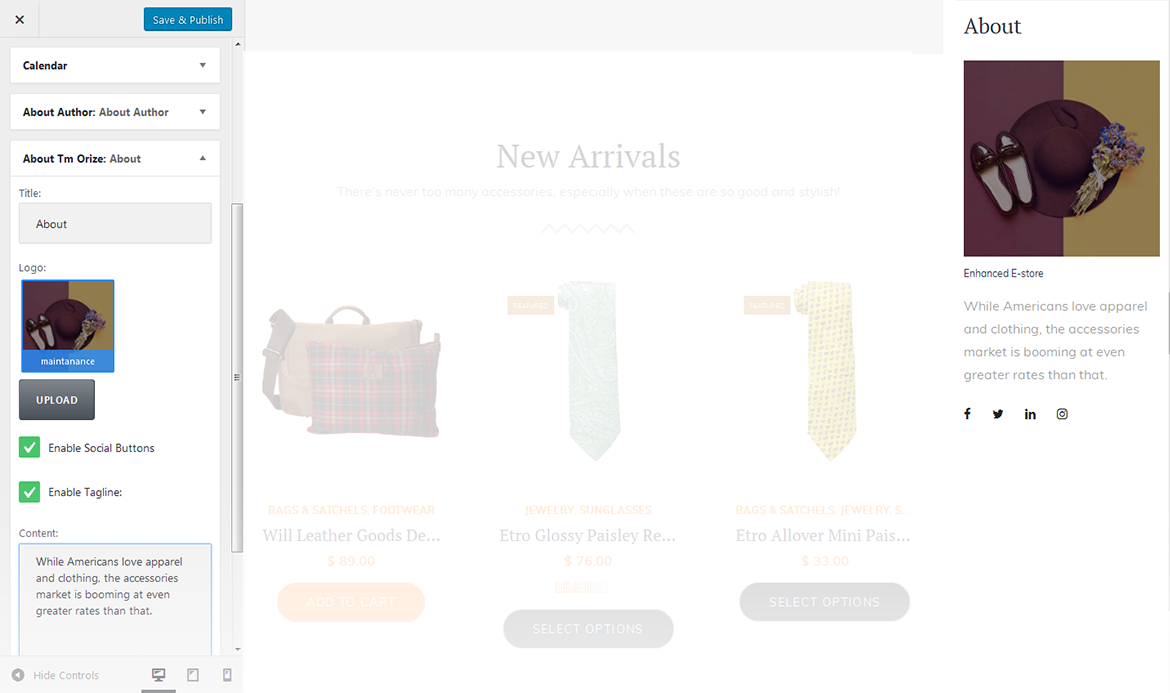
This widget is used to display information about your site.
title
widget's text title;
logo
you can select a logo for the widget;
enable tagline
enable/disable tagline;
content
add content to this field.
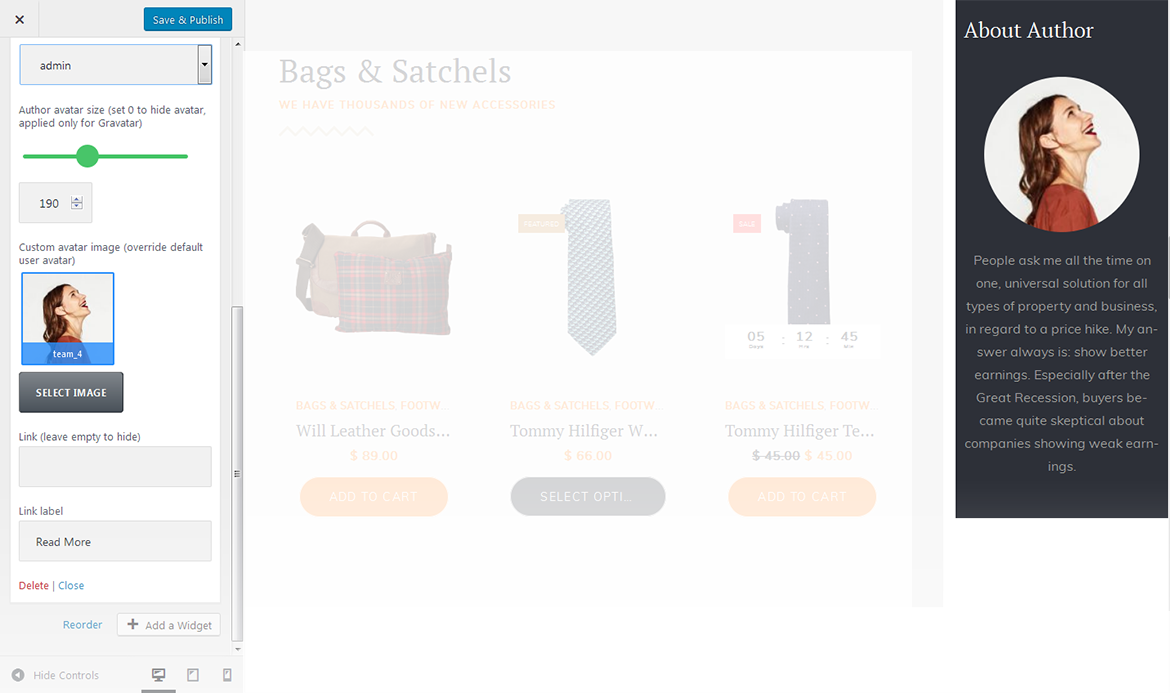
About Author
This widget is used to display blog author information.
title
widgets text title;
select user to show
you can select a user / author from a dropdown list to show on the page;
author avatar size
here you can define the author avatar image size, set it to 0 to hide the avatar, it will be applied only to gravatar;
custom avatar image
here you can choose and upload the custom author avatar image;
link
here you can set a link, or leave it empty to hide;
link label
here you can set a link text.
Banner
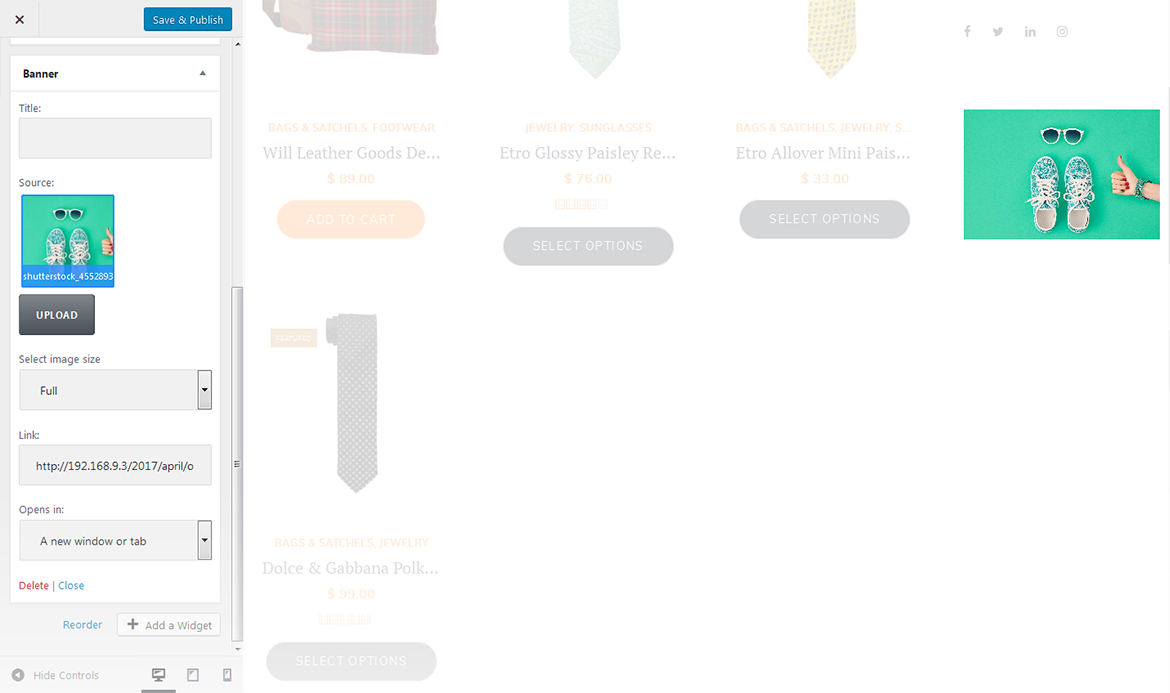
This widget is designed to add banners to the website.
source
choose the source image for the banner;
link
this option allows you to add a link to a particular banner. Hover on a thumbnail in the customizer and click the button in the middle of it to specify the address;
open in
specify whether to open the link in a current window or in a new one.
Carousel
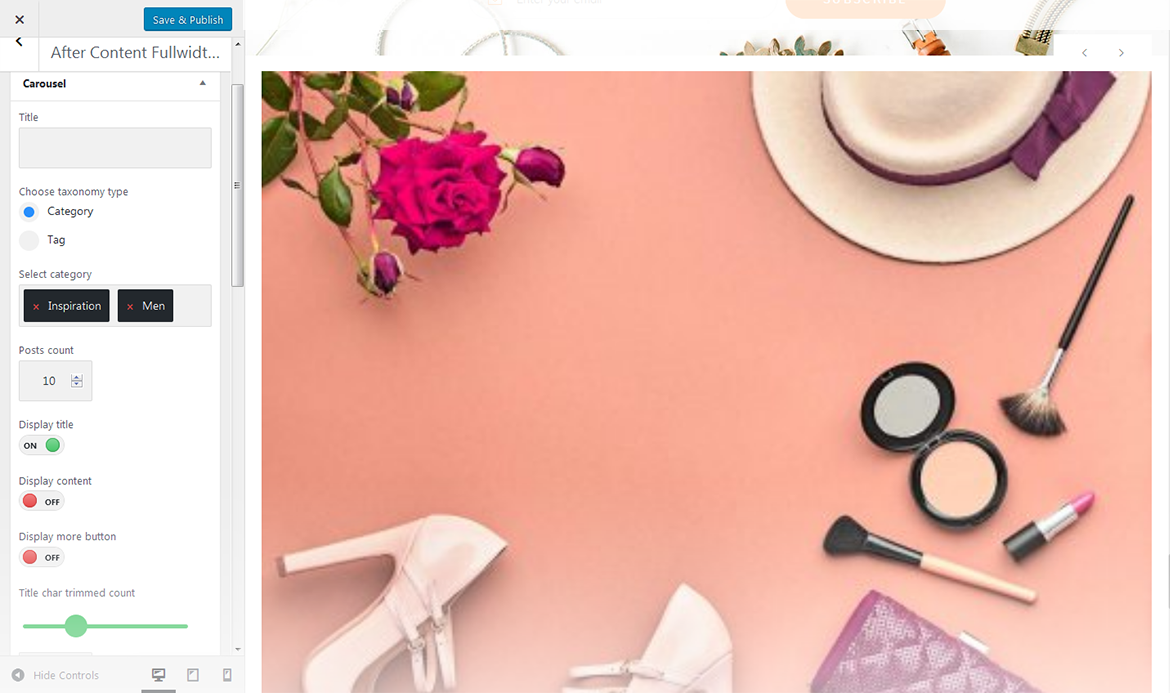
Widget is used to display and setup slider carousel on the website.
title
this property specifies the widget title;
select category
specify a category to pull carousel slides from;
posts count
here you can define the number of slides / posts to display;
display title
hide/show post title below the carousel slide;
display content
hide/show post content below the carousel slide;
display more button
hide/show the more button / link;
more button text
read more button / link label;
content words trimmed count
this property defines the content words limit;
number of slides per view
this property specifies how many slides are visible at the same time inside the slider container;
number slides per group
this property specifies the numbers of slides to define and enable group sliding;
multi row slides layout
this property specifies how many slides are displayed per column, for multirow layout;
width of the space between slides
this property specifies the distance between slides in pixels;
duration of transition between slides
this property specifies slides duration (in ms) to trigger swipe to next/previous slide during the long swipes;
slider pagination
hide/show bullet navigation on slides;
choose slider navigation position
here you can define the navigation arrows position: inner - inside the container, outer - outside the container;
slider navigation
hide/show navigation arrows.
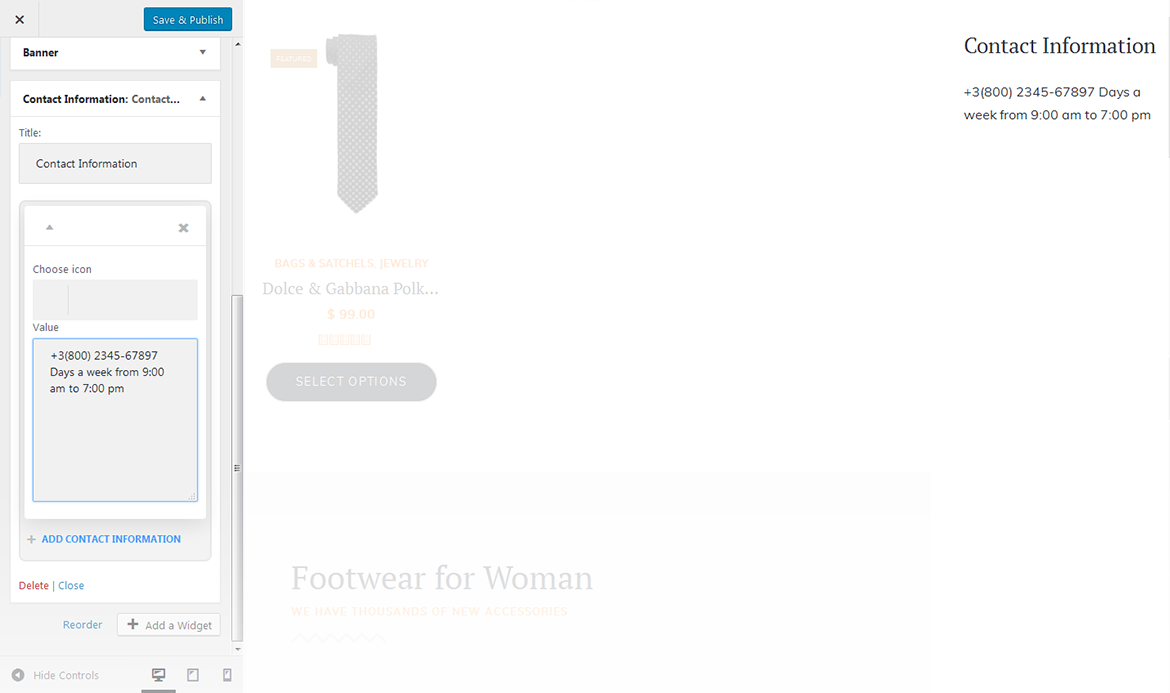
Contact Information
This widget is used to display contact information of the page.
title
this property specifies the contact box title;
choose icon
select icon for a contact item;
value
enter the value for a contact item.
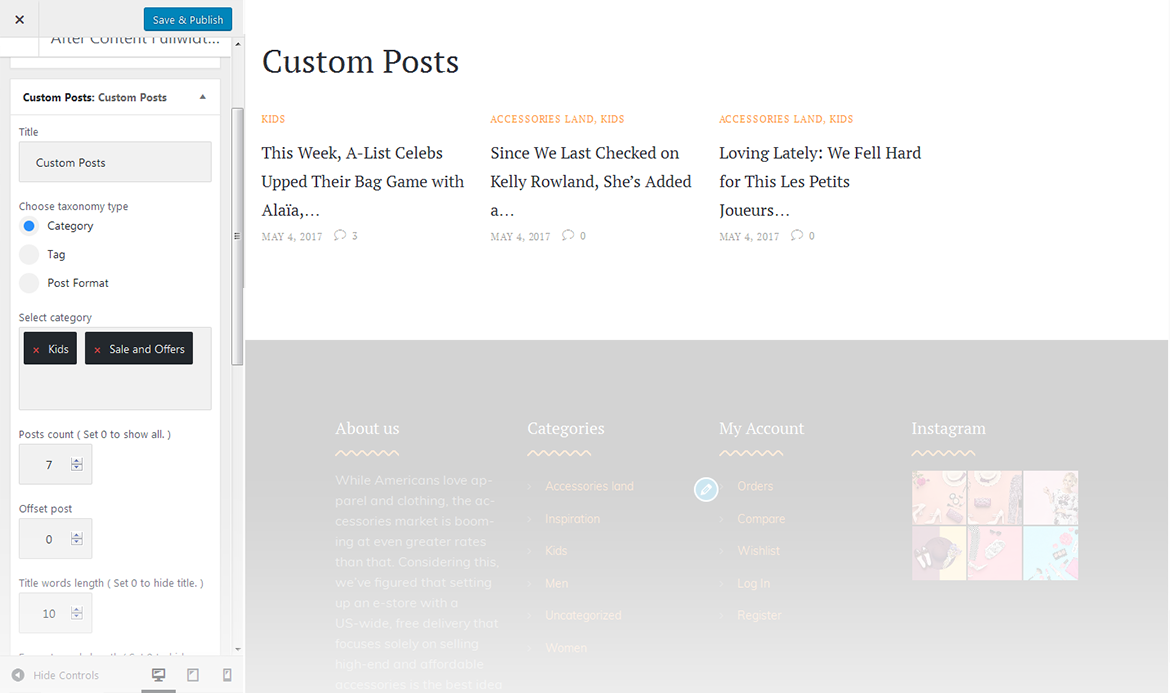
Custom Posts
This widget is used to setup and display custom posts.
title
this property specifies the widget title;
choose taxonomy type
select a proper taxonomy type. You can choose from Category, Tag, Post Format;
category
select the category from which the posts will be displayed;
tag
specify the tag to display posts;
post format
specify the post format;
posts count
here you can define the number of posts to display;
offset post
this property specifies the number of posts to displace or pass over;
title words length
this property sets the number of words limit for post's title. Set 0 to hide title;
excerpt words length
this property sets the number of excerpt words;
display post meta data
this feature adds meta data to the post;
post read more button label
add text to the Read More button.
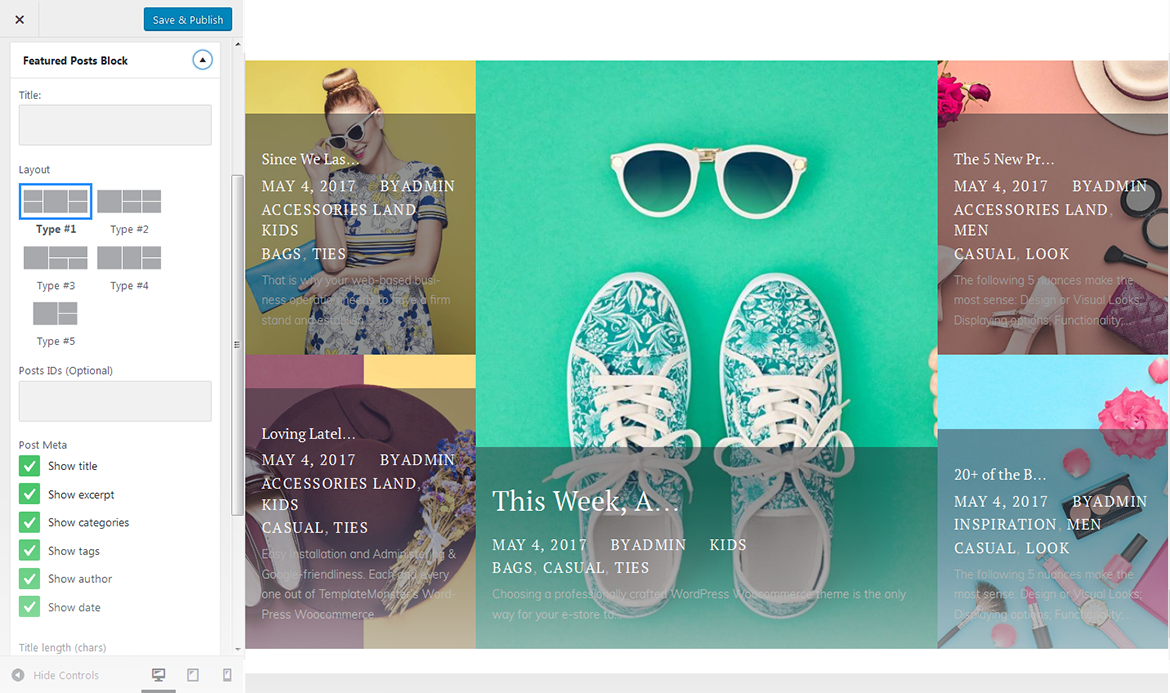
Featured Posts Block
This widget is used to display featured post block information.
Post Meta:
show post title;
show post excerpt;
show post categories;
show post tags;
show post author;
show post date;
show post comments count.
Excerpt Length
This property sets the number of symbols limit for excerpt.
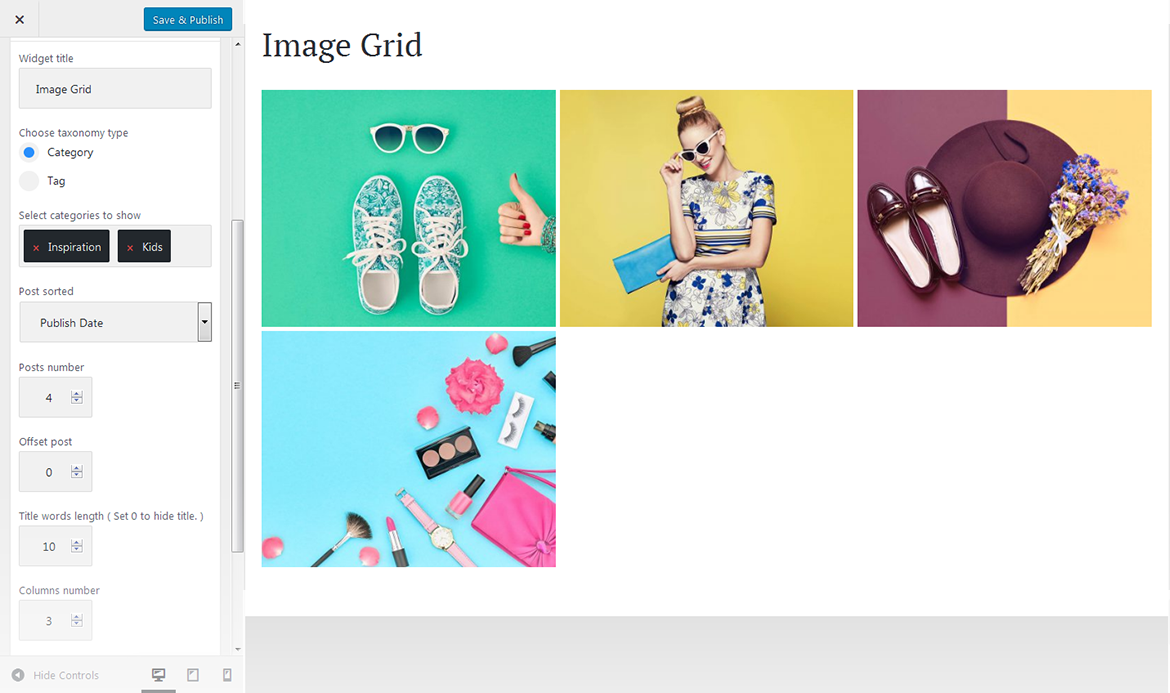
Image Grid Widget
This widget is used to display the image grid. By default, you have to select an appropriate category or tags in order to display the grid.
widget title
this property specifies the widget title;
choose taxonomy type
here you can define the items selection source: by category or tag;
select category to show
exact category to display posts from;
select tags to show
exact tag to display posts from;
post sorted
this property specifies how to sort out the posts on display;
posts number
defines the number of posts/images displayed;
offset post
this property specifies the number of post to displace or pass over;
title words length
this property sets the number of words limit for post's title. Set 0 to hide title;
columns number
here you can define the number of columns to display the images (up to 4). If you want to display the widget in the sidebar, you can display it only in one column;
items padding ( size in pixels )
this property specifies the distance between the elements in pixels.
Instagram
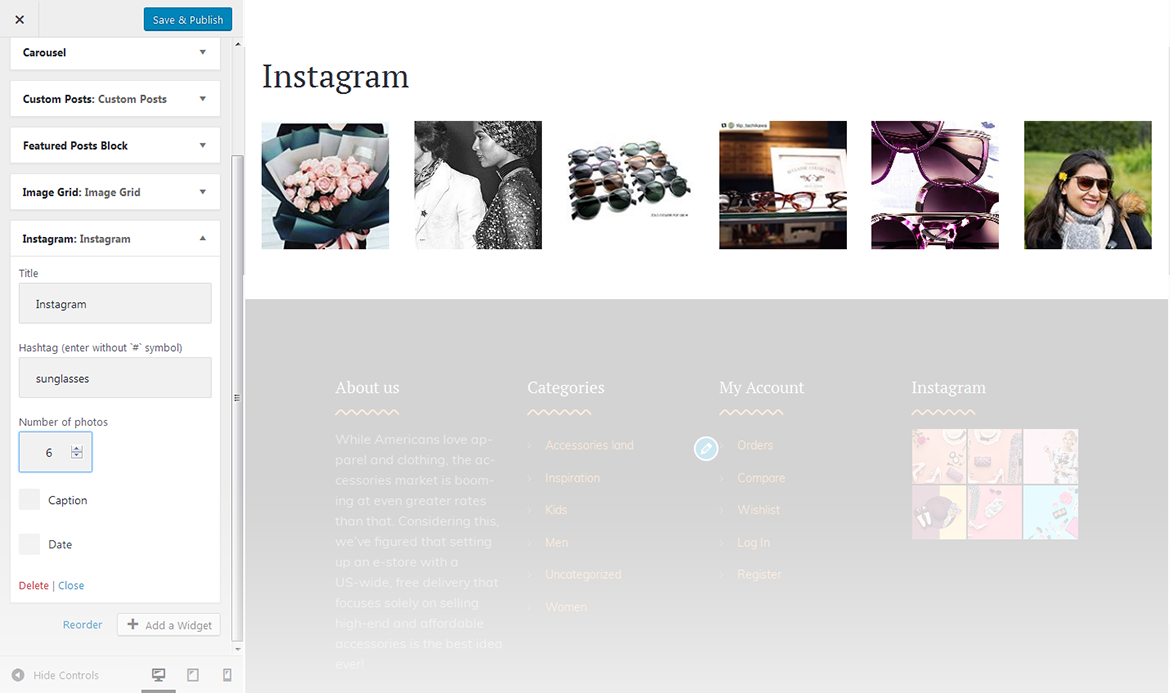
This widget is used to setup and display Instagram feed on the website.
title
this property specifies the widget title;
hashtag (enter without `#` symbol)
here you can set a hashtag to display the images, selected by this property;
number of photos
this property defines the number of images to show;
caption
hide/show caption below the images;
date
hide/show date below the images.
News Smart Box
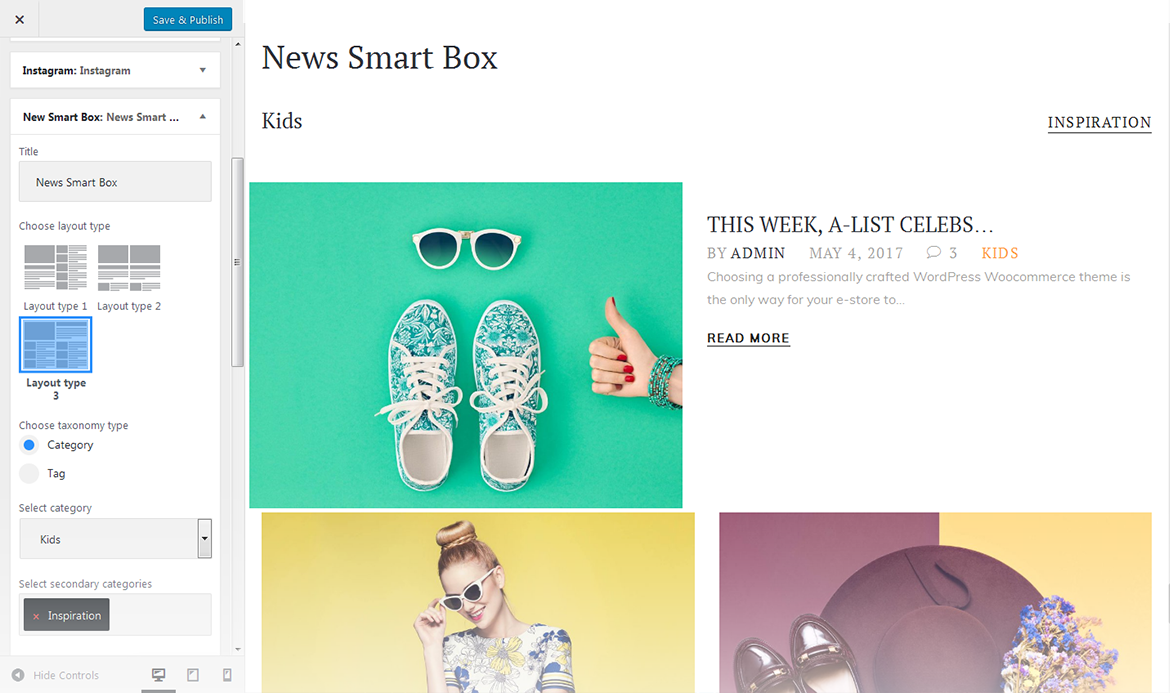
This widget is used to setup and display the news box.
widget title
this property specifies the widget title;
choose layout type
here you can select the layout pattern for the page with custom news box layout;
choose taxonomy type
here you can define the items selection source: by category or tag;
select category
exact category to use for news items display;
select tag
exact tag to use for news items display;
main color
here you can define the text color for the news block;
posts count
here you can define the number of posts to display;
content words trimmed count
specify the content words limit.
Playlist Slider
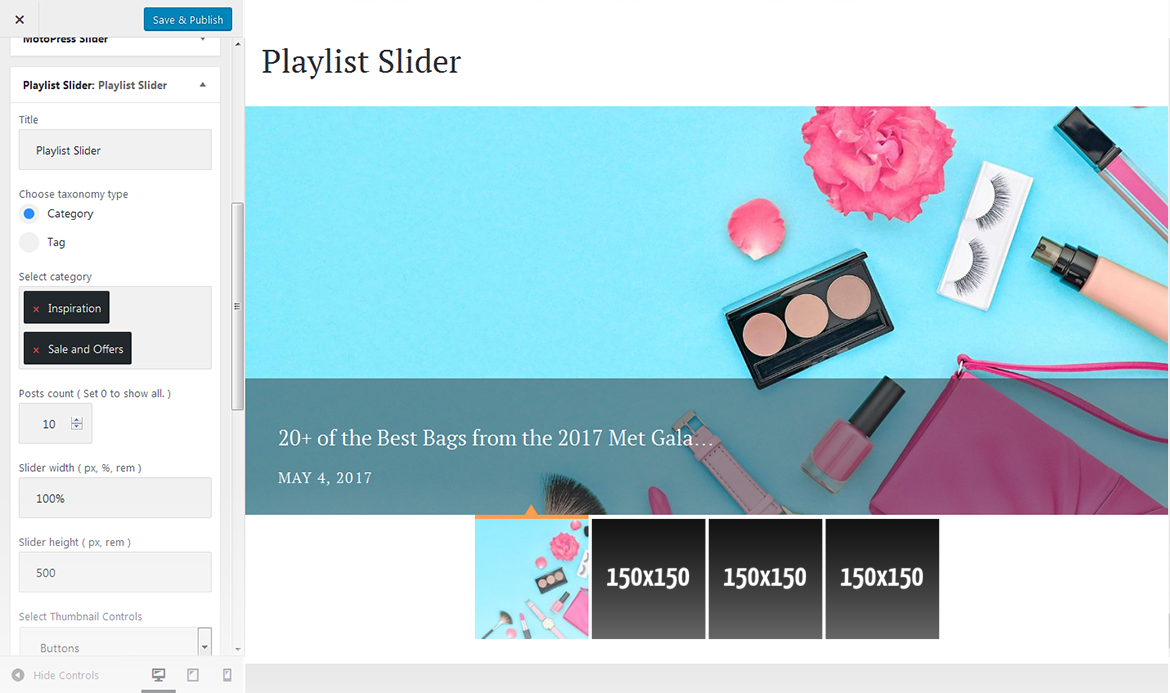
This widget is used to setup and display a playlist slider on the website.
title
this property specifies the widget title;
choose taxonomy type
here you can define the items selection source: by category or tag;
category
here you can select the categories to pull slides from;
tag
here you can select the tags to pull slides from;
posts count
this property defines the number of posts / slides to display;
slider width
specify the slider width;
slider heigh
specify the slider heigh;
select thumbnail controls
hide/show thumbnail controls;
select slider controls
hide/show slider controls;
title words length
specify the title length;
display post meta data
specify the post meta data you want to display.
Smart Slider
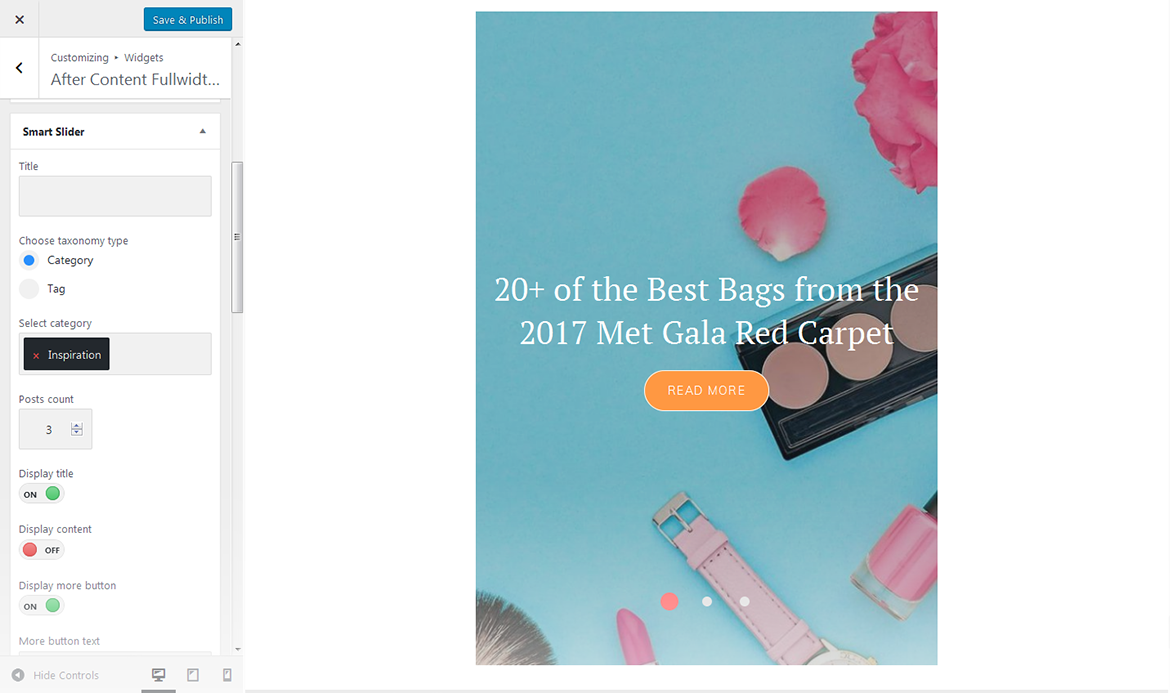
This widget is used to setup and display slider on the website.
title
this property specifies the widget title;
choose taxonomy type
select taxonomy type of the slides;
select category
here you can select category to pull the slides from;
select tags
here you can select tags to pull the slides from;
posts count
this property defines the number of posts / slides to display;
display title
here you can define whether to Hide/Show post's title in a slide;
display content
here you can define whether to Hide/Show post's content in a slide body;
display more button
here you can define whether to Hide/Show the Read More button;
more button text
read more button label;
content words trimmed count
this property defines the excerpt words limit by choosing the number of words from post's content;
slider width
this property defines the slider width;
slider height
this property defines the slider height;
slider orientation
this property specifies the slider orientation. Smart slider slides are automatically set up in Horizontal / Landscape slide orientation, but you can change the slide orientation to Portrait / Vertical Portrait slide orientation;
slide distance(px)
this property specifies the distance between slides in px;
slide duration(ms)
this property specifies slides duration (in ms) to trigger swipe to the next/previous slide during long swipes;
use fade effect
this property defines whether to enable / disable fade effect on sliding;
use navigation
here you can define whether to Hide/Show the navigation arrows;
indicates whether the arrows will fade in only on hover
this property specifies whether the arrows will fade in only on hover;
use pagination
here you can define whether to Hide/Show bullet navigation on slides;
use autoplay
this property specifies whether to enable / disable autoplaying for slides;
display fullScreen button
here you can define whether to Hide/Show full screen button to display slider in full screen mode. It is not available in WordPress customizer preview;
indicates if the slides will be shuffled
this property specifies whether to shuffle slides randomly. Disabled by default;
use infinite scrolling
this property specifies whether to enable/disable infinite scrolling on sliding;
display thumbnails
here you can define whether to Hide/Show slide thumbnails below the slider;
display thumbnails arrows
here you can define whether to Hide/Show arrows navigation for thumbnails;
set the position of the thumbnail scroller
this property sets the position of the thumbnail scroller. It is set to bottom by default.
Subscribe and Follow
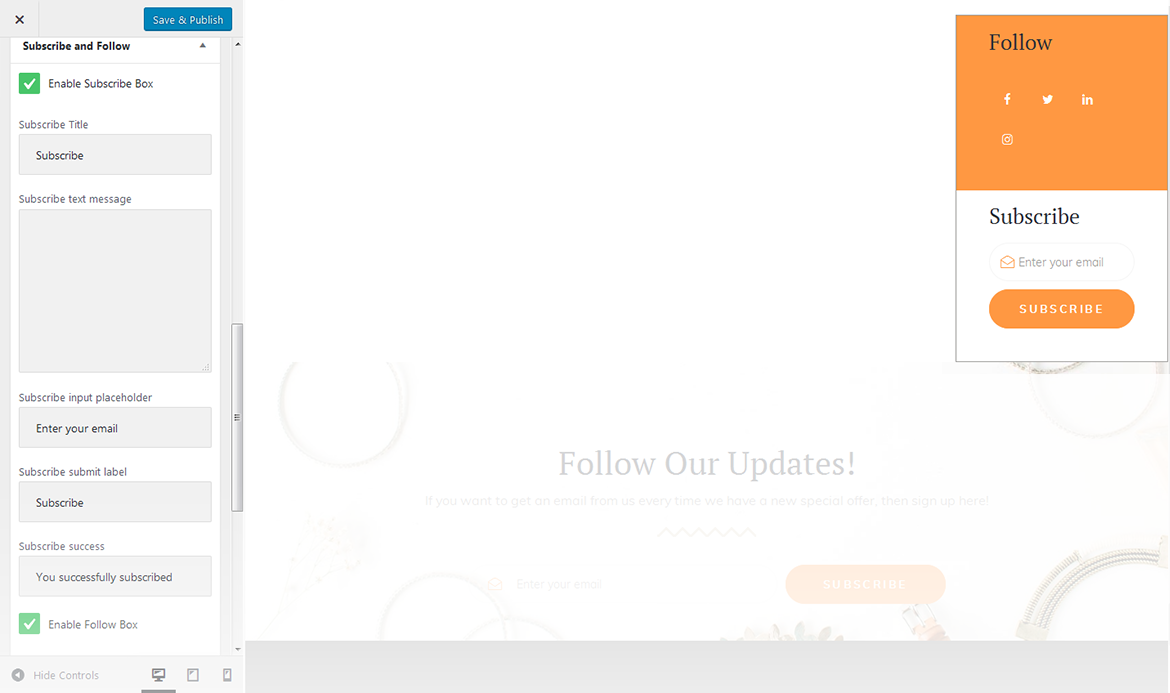
This widget is used to display blocks for Subscribe and Follow sections. List of social networks for the Follow block is same as in Social Menu.
enable subscribe box
enable/disable the subscribe box;
subscribe title
this property specifies the subscribe box title;
Ssbscribe text message
Hhre you can add text description for the subscribe form;
subscribe input placeholder
this property specifies a placeholder text Enter Your Email Here in the input area of the subscribe box;
subscribe submit label
this property specifies a placeholder text Submit in the subscribe button of the subscribe box;
subscribe success
this property specifies a success message text You are successfully subscribed in the subscribe area of the subscribe box;
enable follow box
hide/show follow box;
follow title
this property specifies the follow box title;
follow text message
here you can add text description for the Follow block.
Taxonomy Tiles
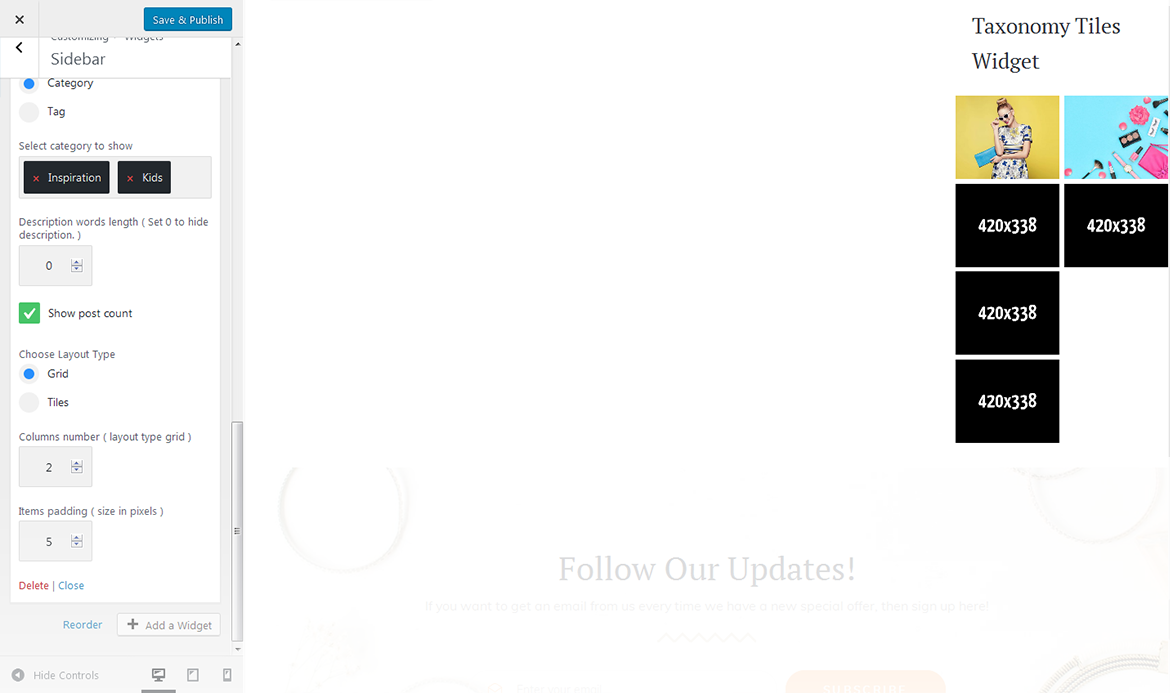
This widget is used to setup and display the categories.
widget title
this property specifies the widget title;
choose taxonomy type
here you can define the items selection source: by category or tag;
select category to show
exact category to use for posts display;
select tags to show
exact tag to use for posts display;
description words length
specify the description words length;
show post count
hide/show information on the number of posts in the selected category;
columns number
here you can define the number of columns to display category or tag content (up to 4);
tiles first item
Hhre you can define whether to Hide/Show magnified first item tile in the beginning;
items padding ( size in pixels )
this property specifies the distance between the category or tag elements in px.
Archives
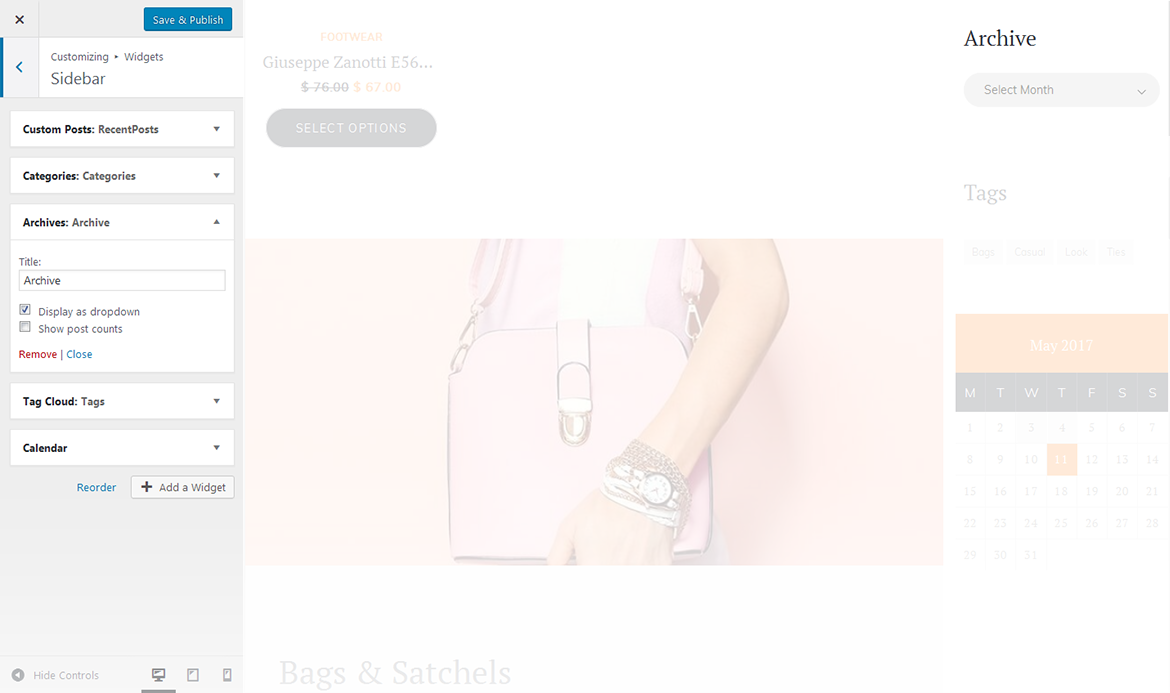
This widget is designed to display archives
title
enter the title of the widget;
display as dropdown
this option allows to display the categories as a dropdown list;
show post counts
show/hide post counts.
Calendar
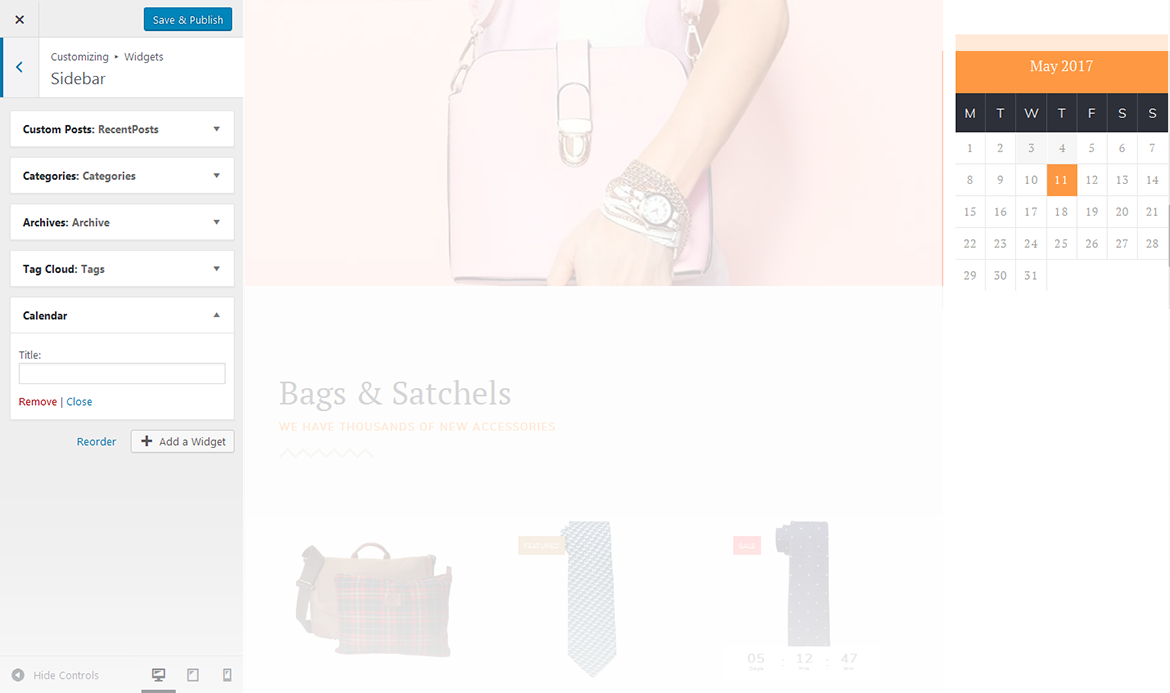
This widget is designed to display calendar.
title
enter the title of the widget.
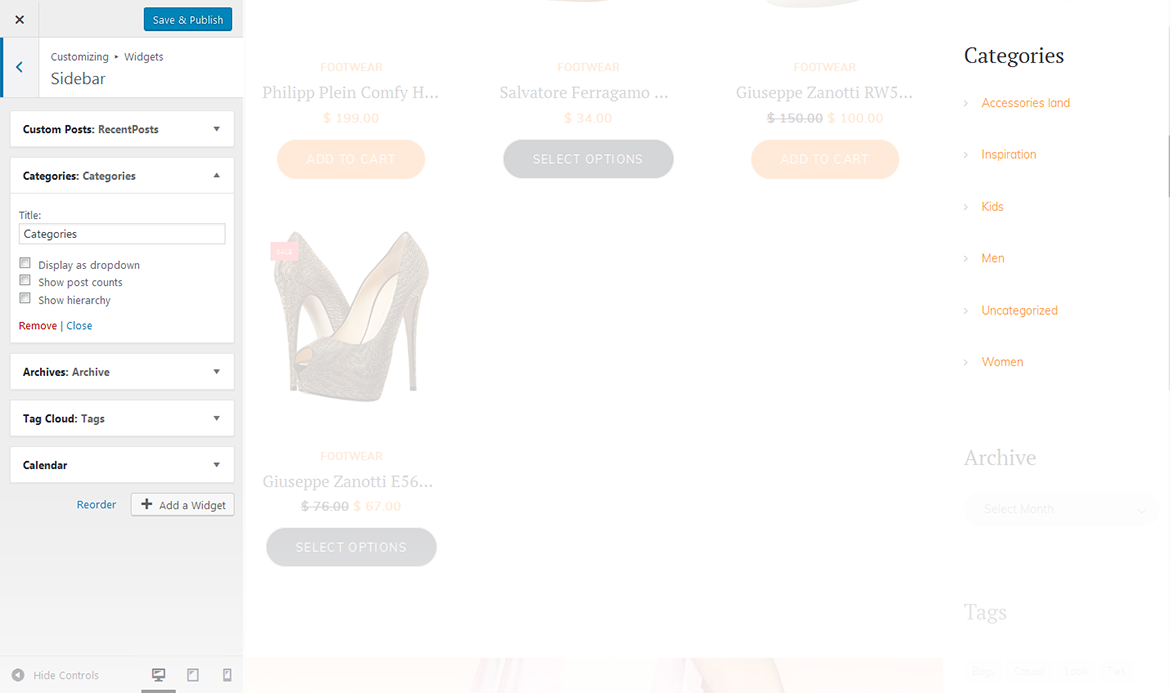
Categories
This widget is used to setup and display categories.
title
this property specifies the widget title;
display as dropdown
this option allows to display the categories as a dropdown list;
show post counts
show/hide post counts;
show hierarchy
show hierarchy.
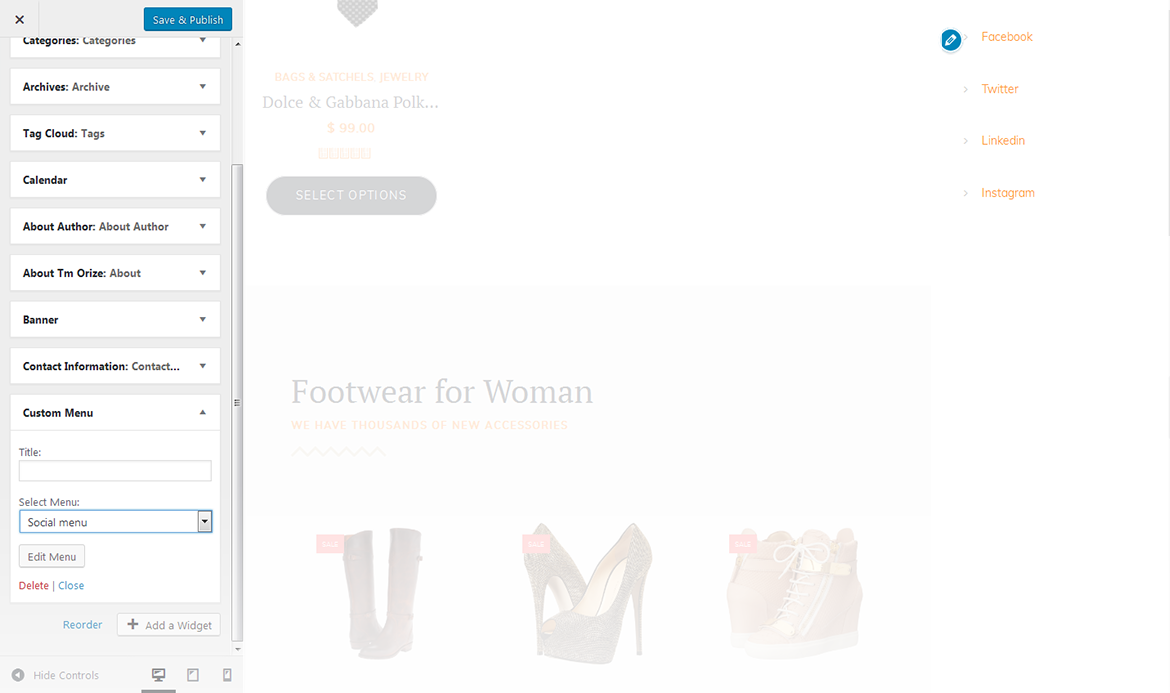
Custom Menu
This widget allows you to create various custom menus anywhere on your website.
title
this property specifies the title of the widget;
select menu
here you can select any of the predesigned menus.
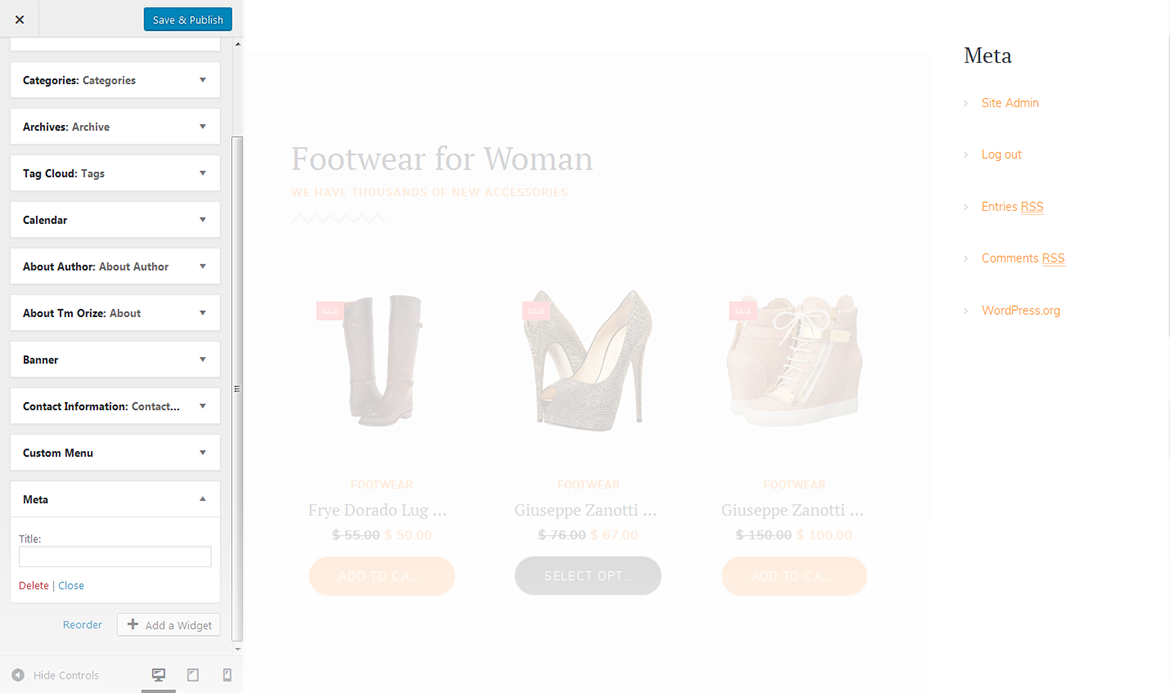
Meta
The widget is used to show 5 standard links.
title
this property specifies the widget title.
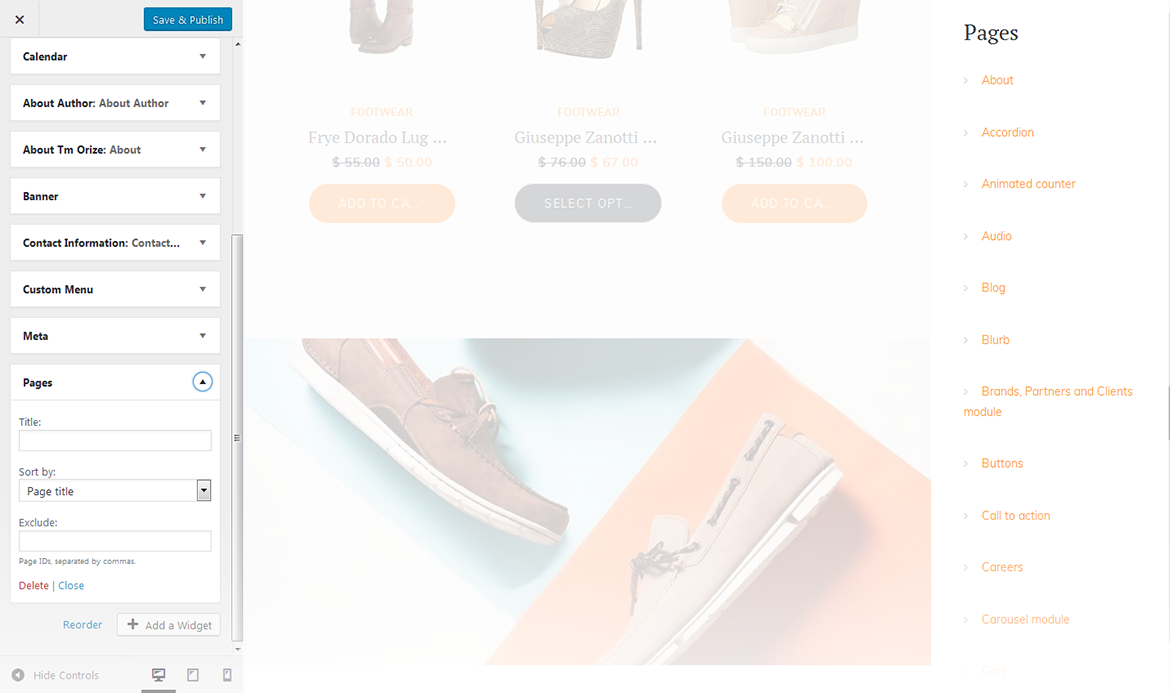
Pages
This widget displays a full list of pages of your site.
title
this property specifies the widget title;
sort by
this option allows to sort the pages by page title, page order or page ID;
exclude
specify the IDs of the pages you want to exclude.
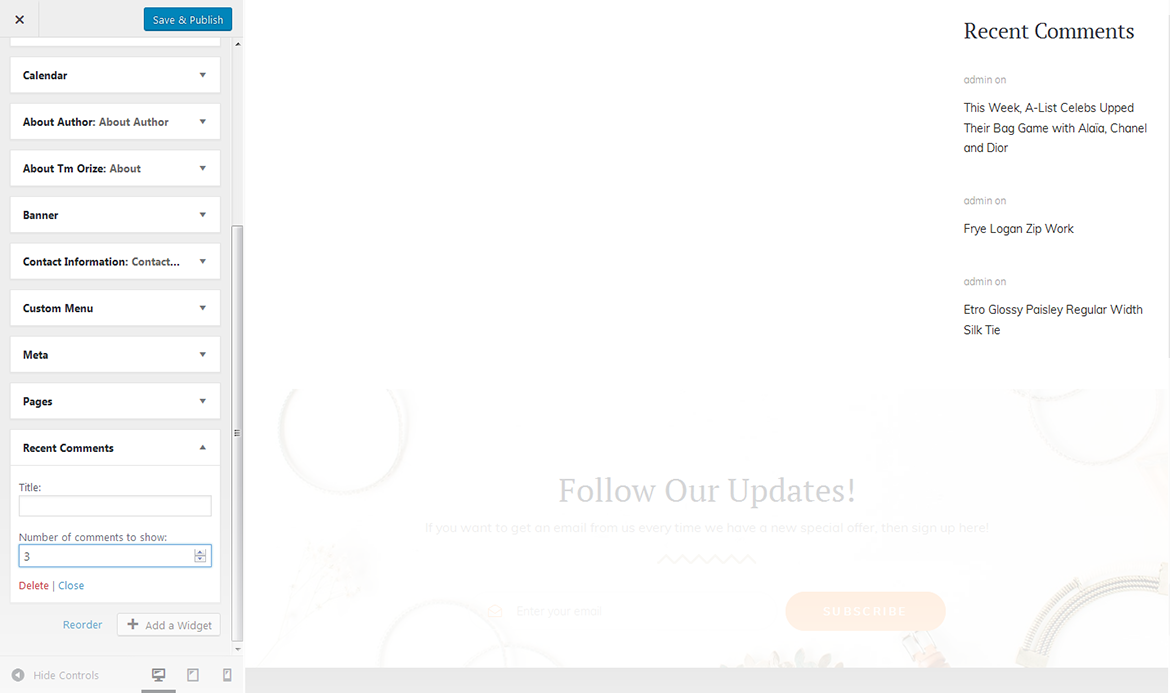
Recent Comments
This widget is used to display the recent comments to the posts on the homepage.
title
this property specifies the widget title;
number of comments to show
this property allows you to change the number of the displayed comments.
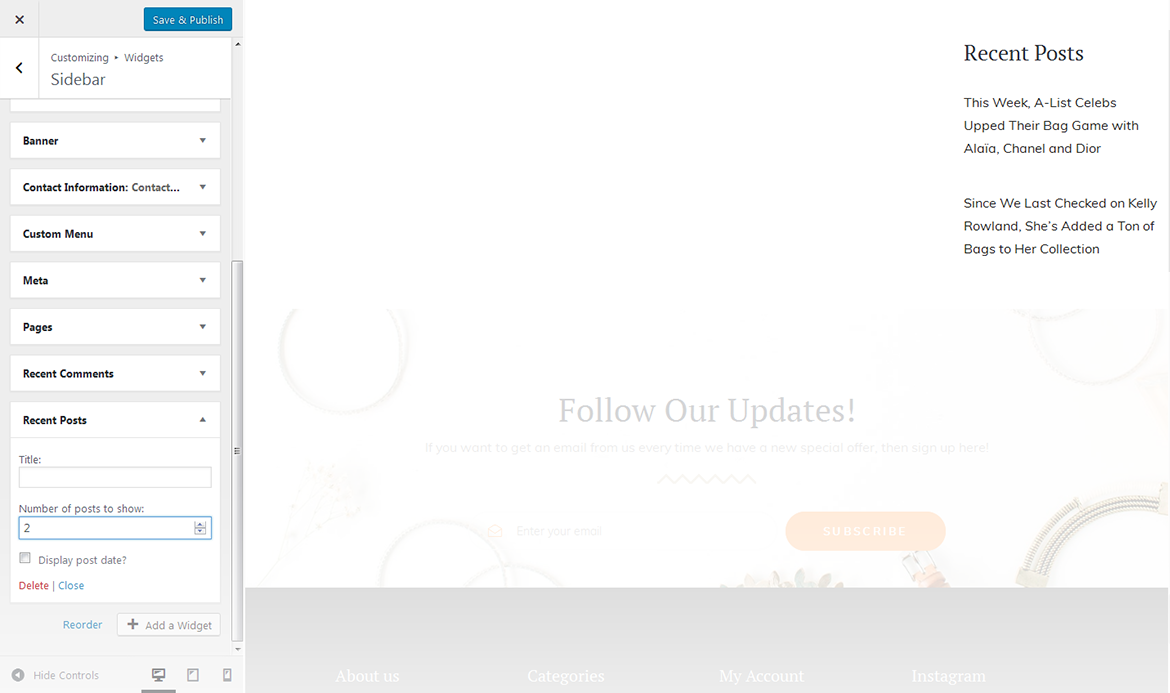
Recent Posts
This widget is used to display recent posts on the homepage.
title
this property specifies the widget title;
number of posts to show
this property allows you to change the number of the displayed posts;
display post date
show/hide post date.
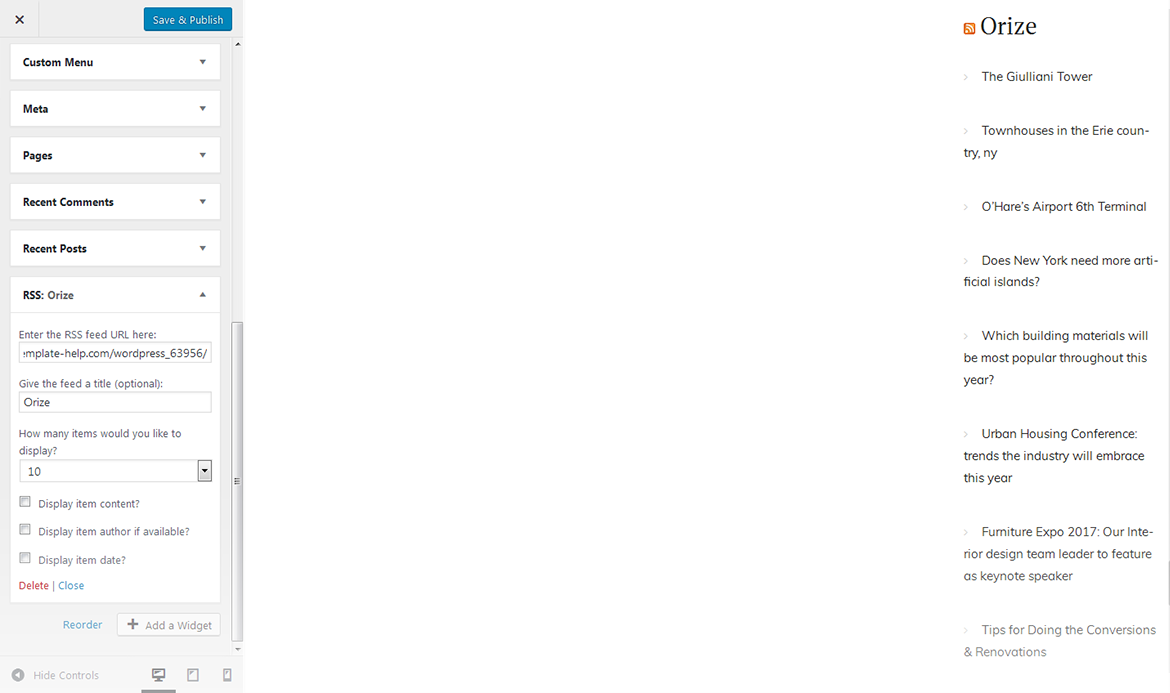
RSS
The widget is used to display RSS feeds on the website.
enter the RSS feed URL here
specify the RSS feed URL;
give the feed a title (optional)
specify the title;
how many items would you like to display
specify the number of items displayed;
display item content
show/hide item content;
display item author if available
show/hide item author;
display item date
show/hide item date.
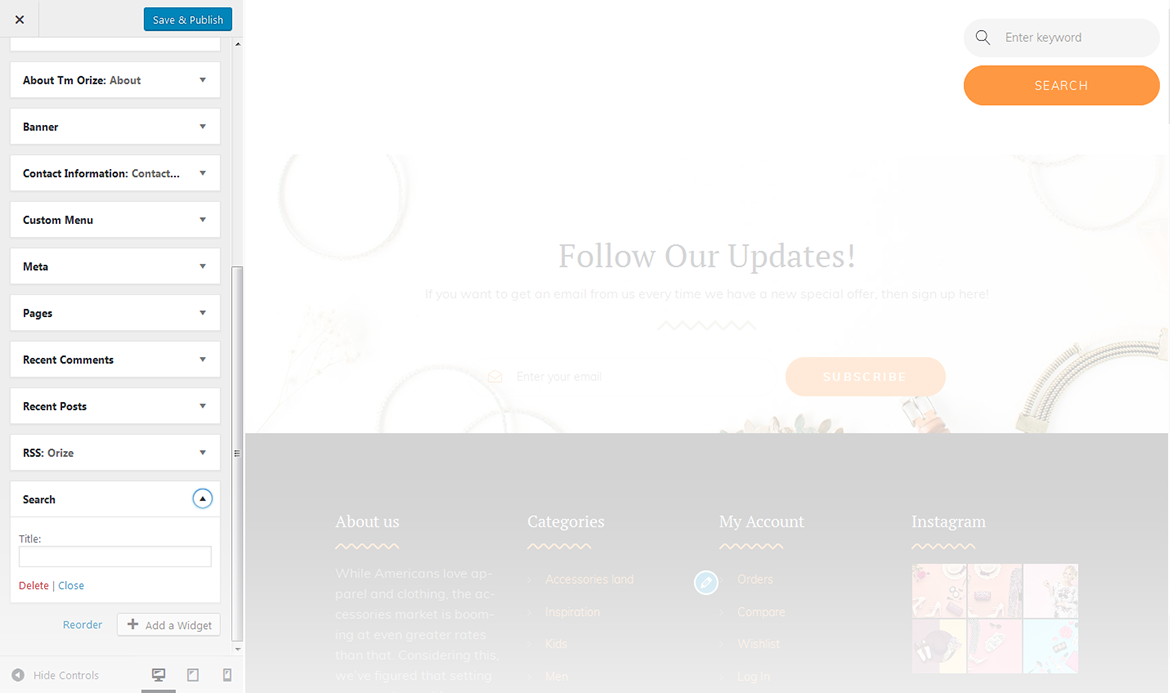
Search
This widget adds a search field to the page
title
specify the widget title.
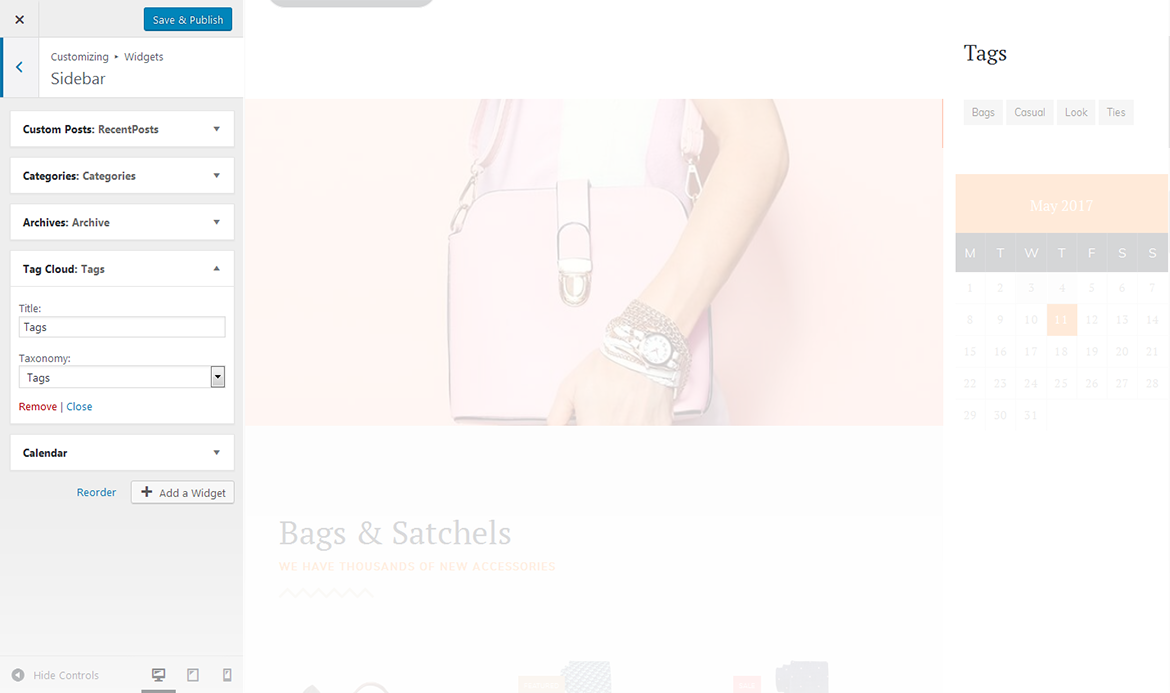
Tag Cloud
The widget allows you to display tag cloud on the website.
title
this property specifies the widget title;
taxonomy
choose a proper taxonomy type.
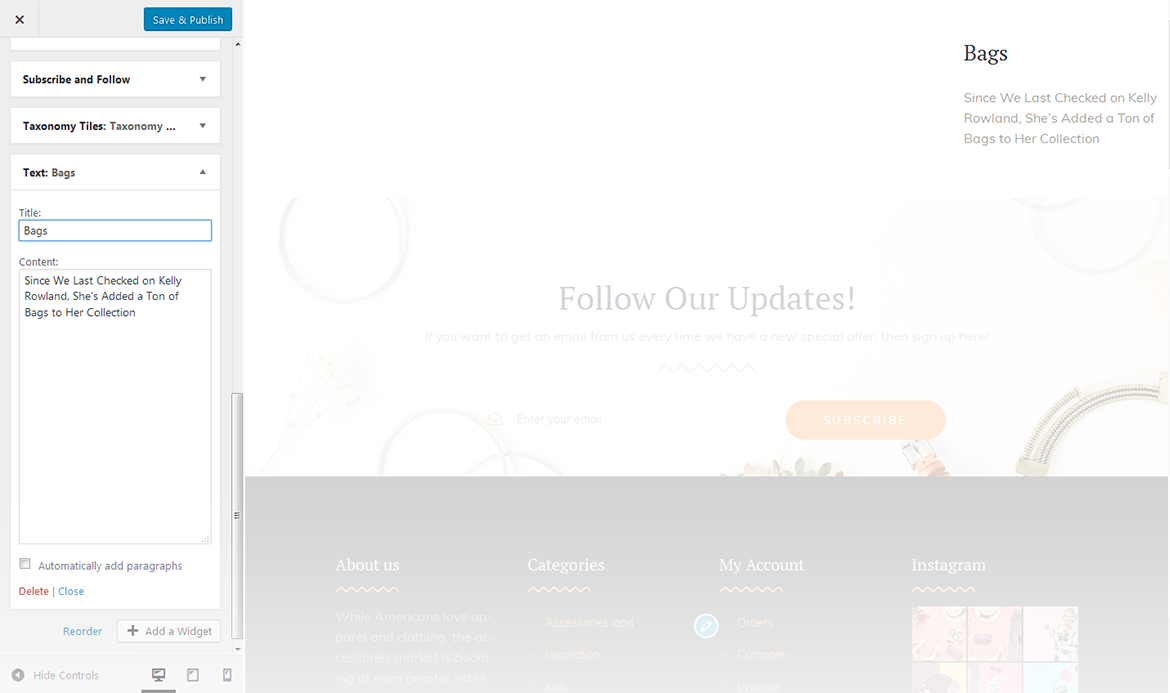
Text
The widget allows you to display various text blocks, you can also use it to insert the shortcodes.
title
this property specifies the widget title;
content
insert any kind of content;
automatically add paragraphs
this option enables the Automatically add paragraphs function.
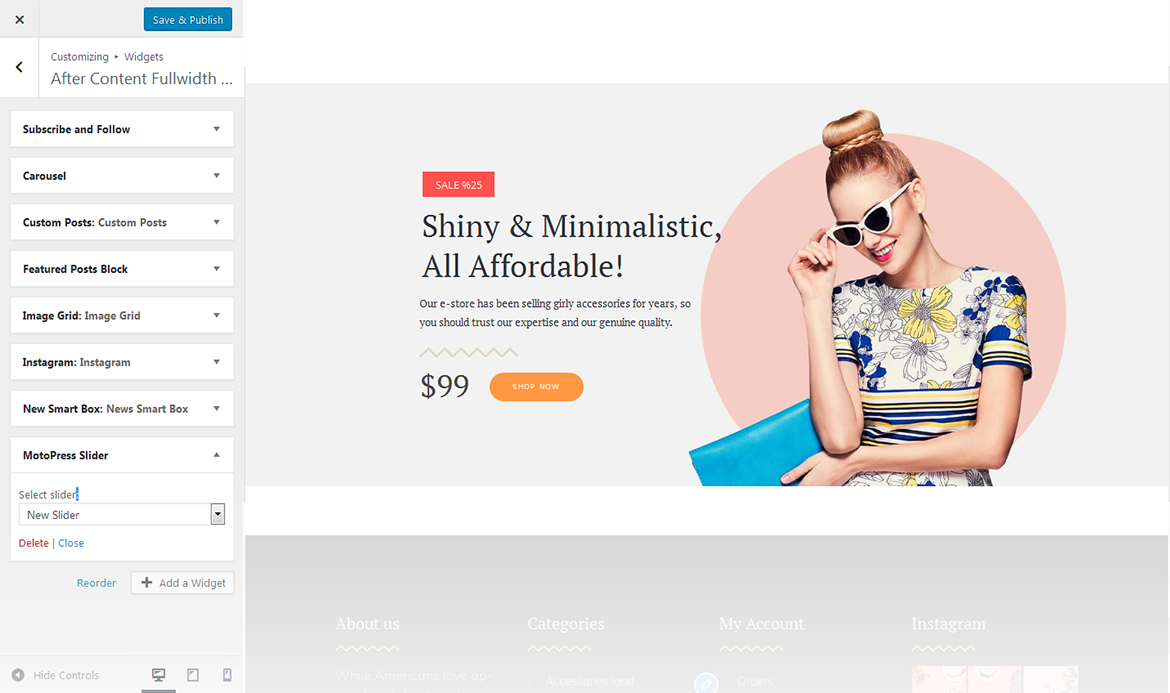
Motopress Slider
This widget is used to display MotoPress Slider. Insert a shortcode into the Text area to integrate it to any section of your website
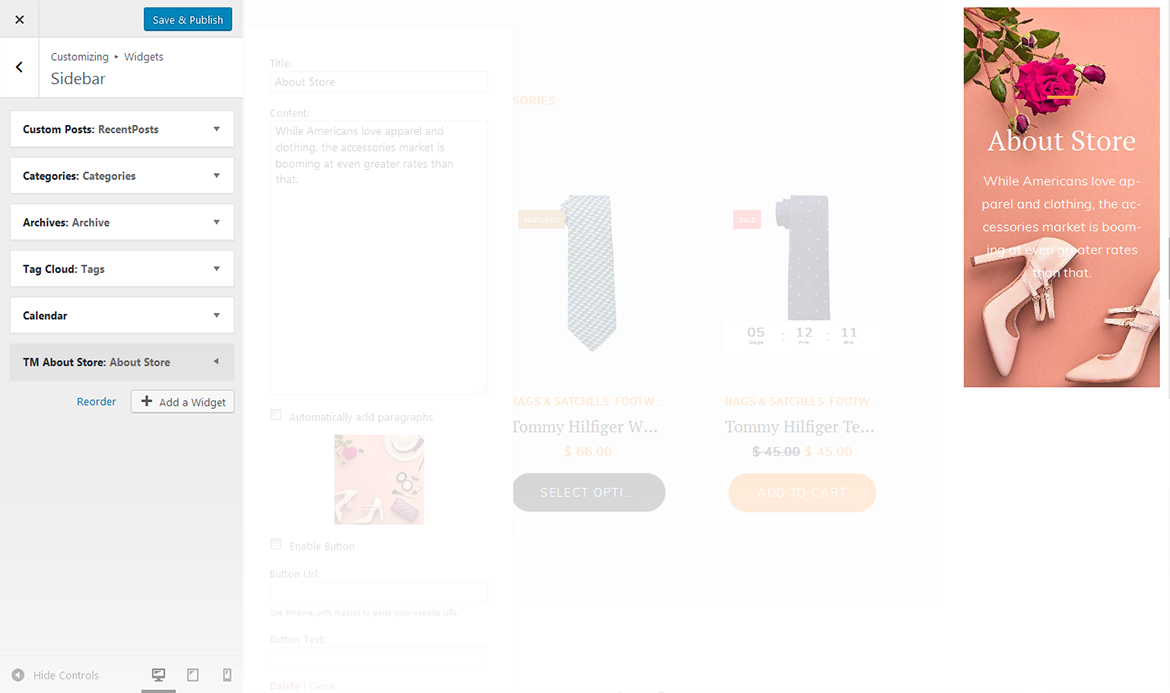
TM About Store
This widget is used to add store description
title
title of the widget;
content
insert a brief story of your business or any other information of the same kind;
automatically add paragraphs
this option adds paragraphs automatically;
enable button
adds button to the section;
button url
specify the URL address of the button;
button text
specify the button text.
TM Banners Grid Widget
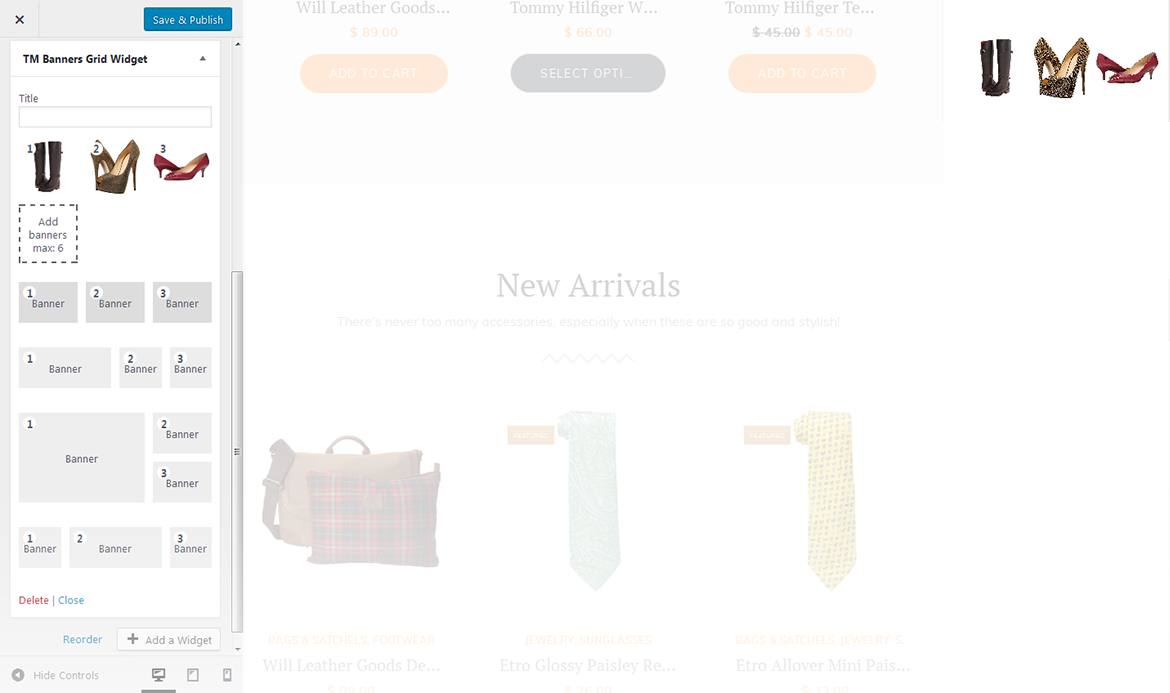
This widget is designed to create the banners grid on the website
title
enter the title of the widget;
add banners
this property allows you to add banners. (Max 6 banners);
set link
this option allows you to add a link to a particular banner. Hover on a thumbnail in the customizer and click on the button at the middle of it to specify the address;
layout
under the image thumbnails in the customizer you can switch between several layout types.
TM Custom Menu with Background
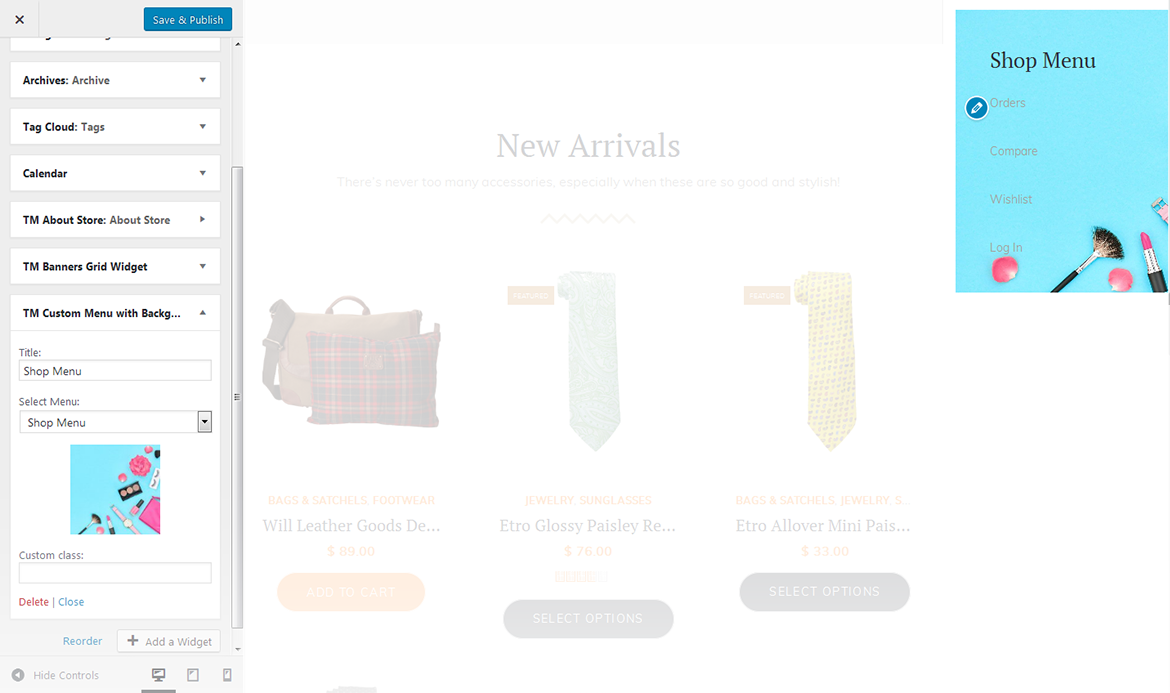
This widget allows you to create various custom menus anywhere on your website.
title
this property specifies the title of the widget;
select menu
here you can select any of the predesigned menus;
choose background image
choose the image you want to use as a background for your menu.
TM Product Categories with Thumbnail
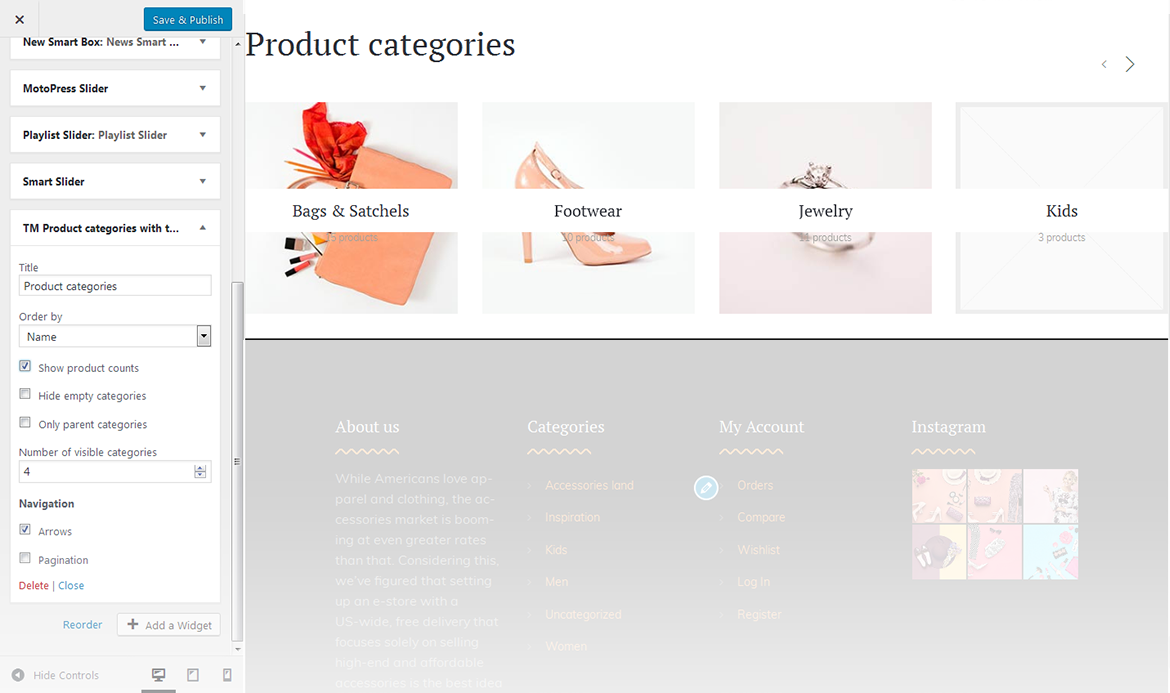
This widget creates a list of product image categories.
title
this property specifies the title of the widget;
order by
specify the way you want to order the products inside the widget;
show products counts
hide/show information on the number of products available in the selected category;
hide empty categories
hide/show categories with no products;
number of visible products
changes the number of displayed categories;
navigation
this feature allows you to display thenavigation arrows and pagination.
TM Products Carousel
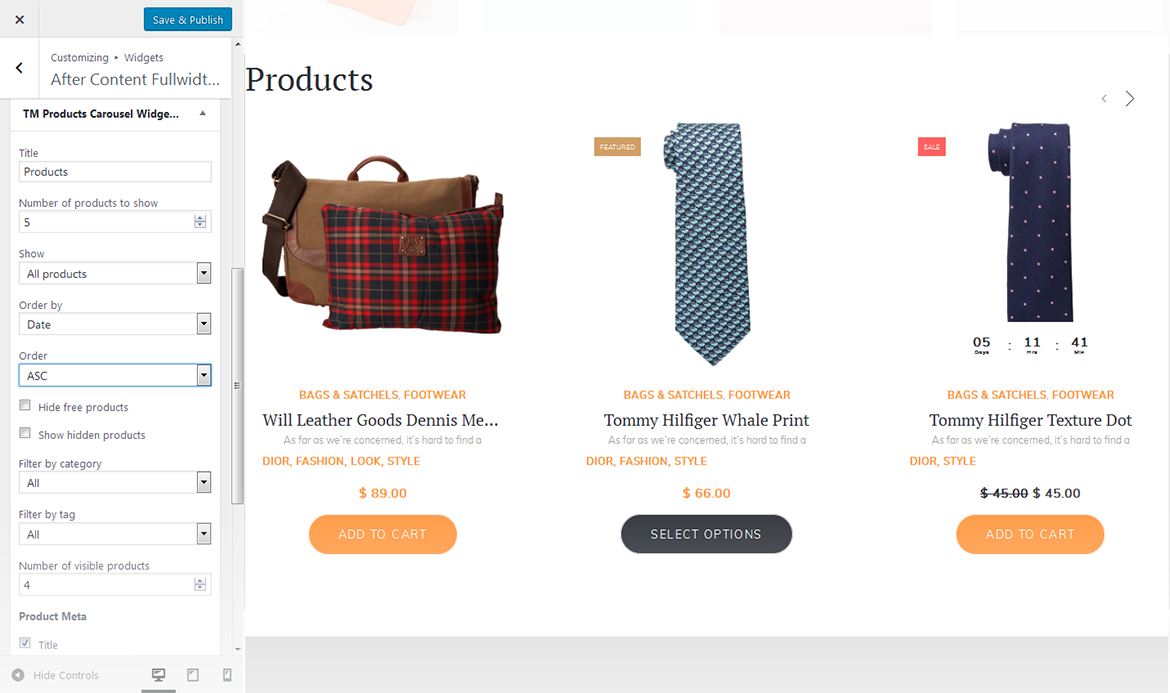
This widget creates a custom designed carousel from TemplateMonster.
title
this property specifies the title of the widget;
number of products to show
specify the number of products displayed in the carousel;
show
this option allows you to show the products from various groups, like: all products, products on sale and featured products;
order by
specify the way you want to order the products inside the widget;
order
select the order type of the slides;
hide free products
this property allows you to hide free products from the carousel;
show hidden products
show hidden products in the carousel;
filter by category
filter products by a particular category;
filter by tag
filter products by a particular tag;
number of visible products
changes the number of displayed categories;
product meta
add meta attributes to the products in the slider;
navigation
this feature allows you to display the navigation arrows and pagination.
TM Products Smart Box
This widget displays the featured products from the particular categories offering the customers some extra products they might want to purchase as well
title
this property specifies the title of the widget;
number of products to show
specify the number of featured products that will be displayed;
order by
specify the way you want the products inside the widget to be ordered;
order
this property allows you to switch between descending and ascending order;
hide free products
hide/show free products;
show hidden products
hide/show hidden products;
filter by category
choose the category the products will be filtered by.
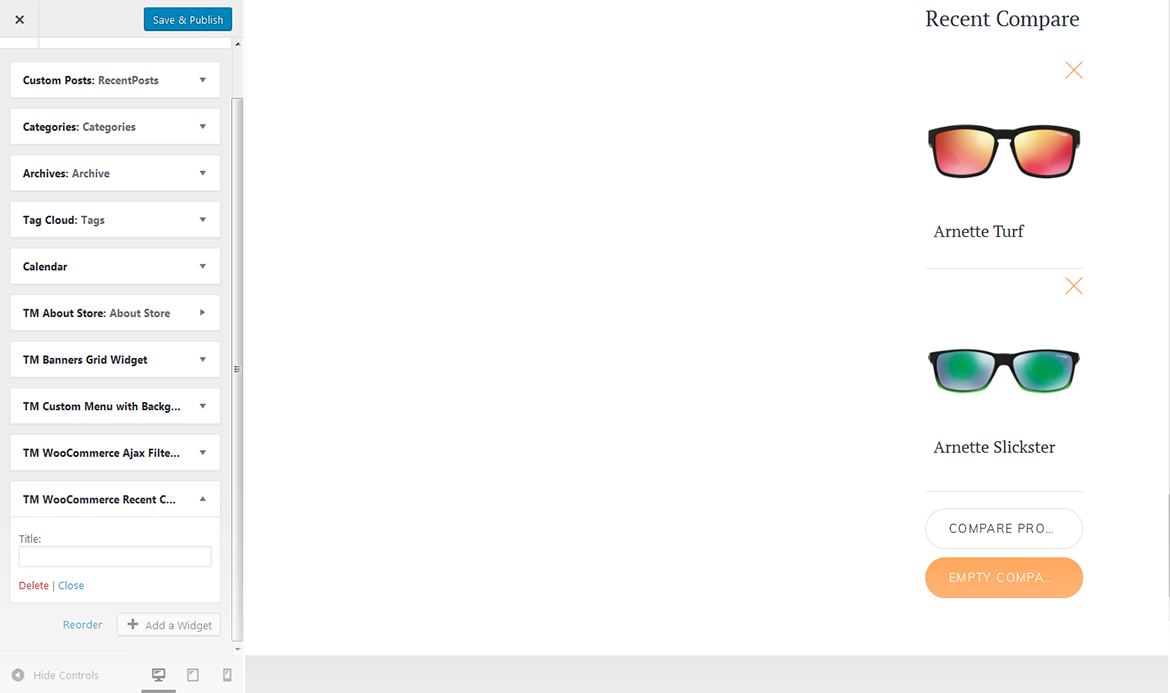
TM WooCommerce Recent Compare
The widget shows the list of products added in the compare table.
title
this property specifies the widget title.
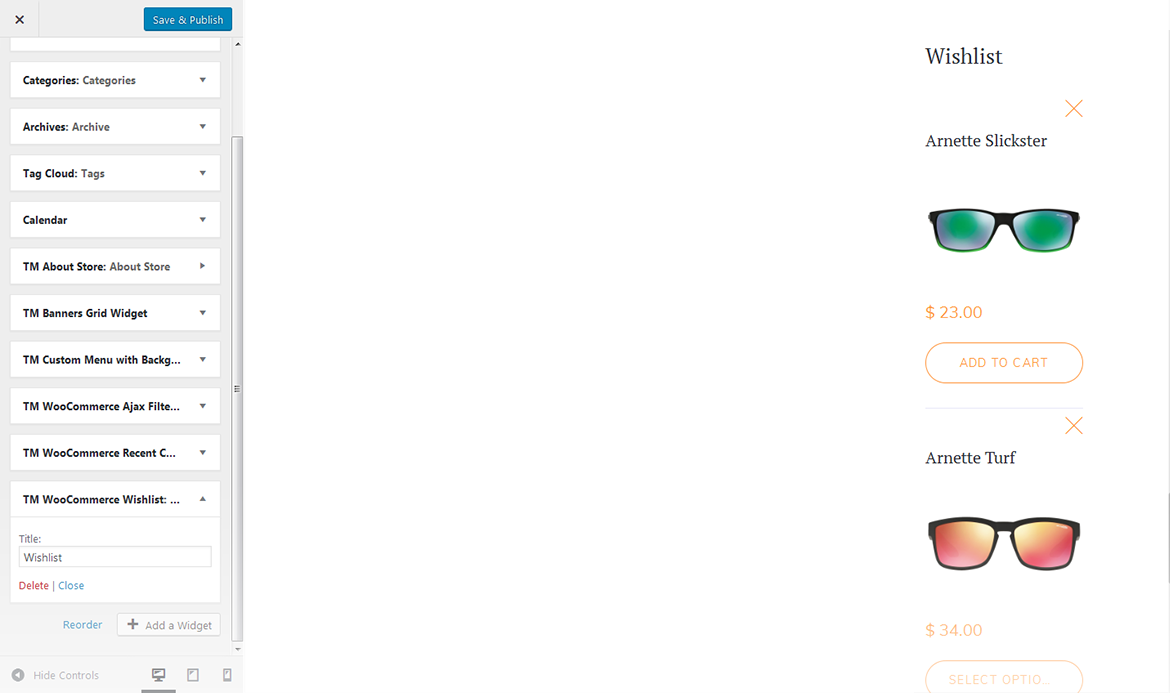
TM WooCommerce Wishlist
TM WooCommerce Wishlist is designed as an addition to the TM WooCommerce Package and gives your store even more functionality. With its help visitors will be able to add various kinds of products to the wishlist pages. It also allows to go to the compare page, add new products or delete the current ones from the list.
title
specify the title of the widget.
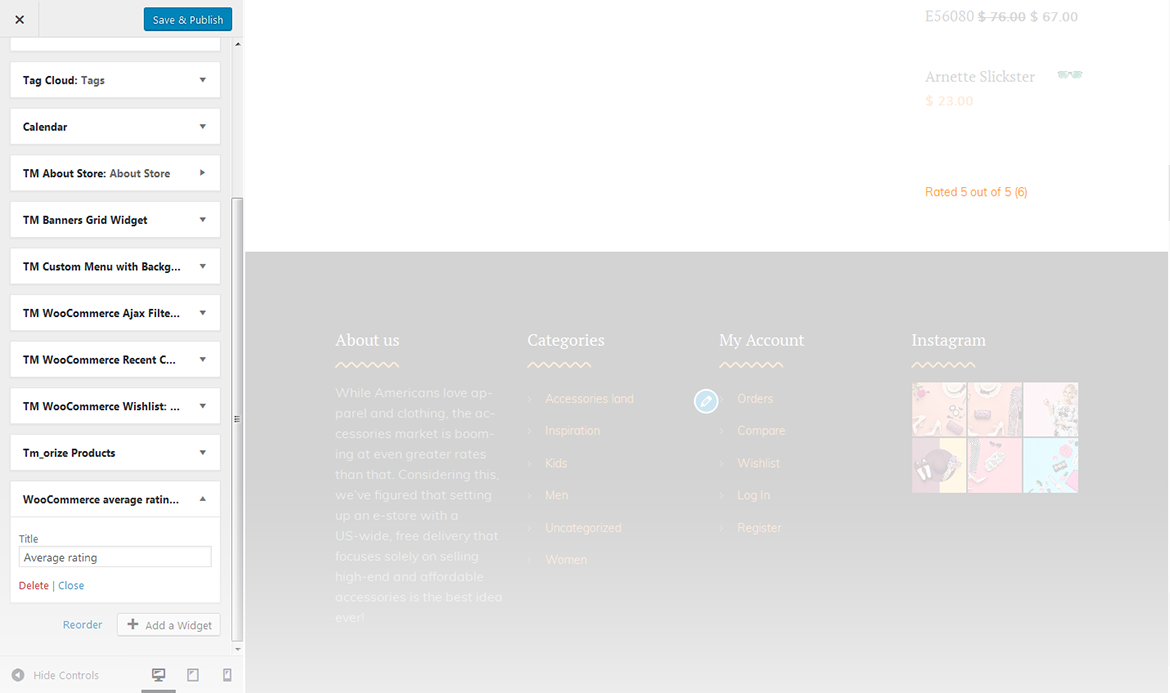
WooCommerce Average Rating
This widget displays the WooCommerce Average Rating for products.
title
this property specifies the widget title.
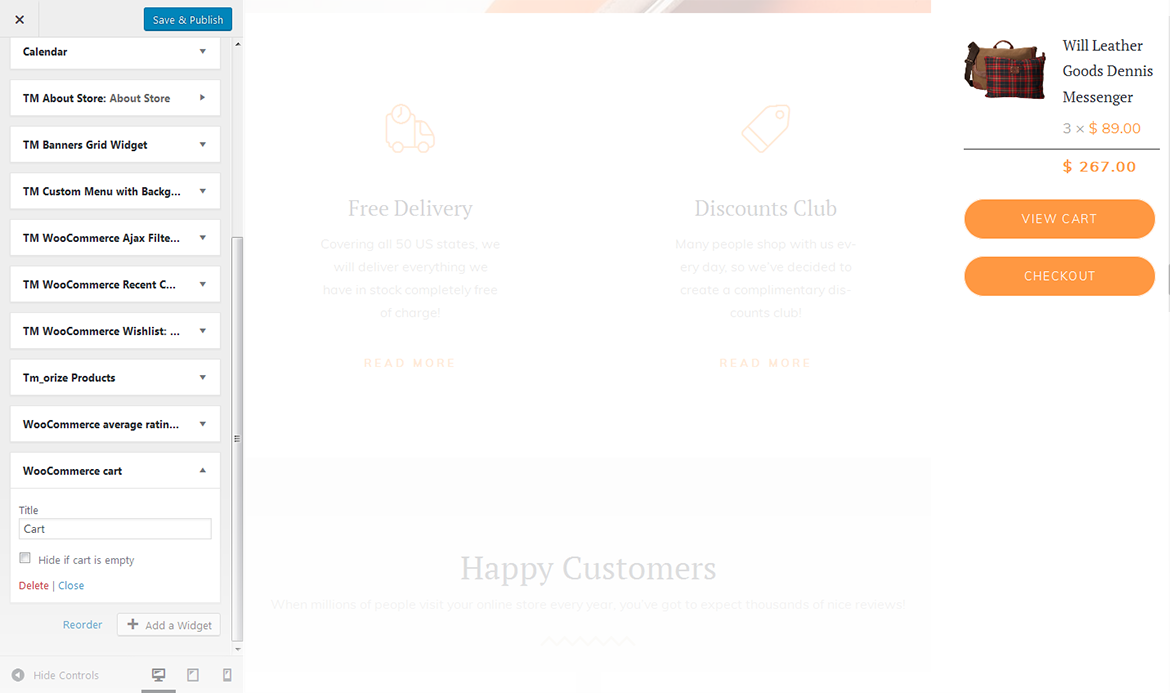
WooCommerce Cart
This widget displays the WooCommerce shopping cart.
title
this property specifies the widget title;
hide if cart is empty
this option allows to hide the cart if it is empty.
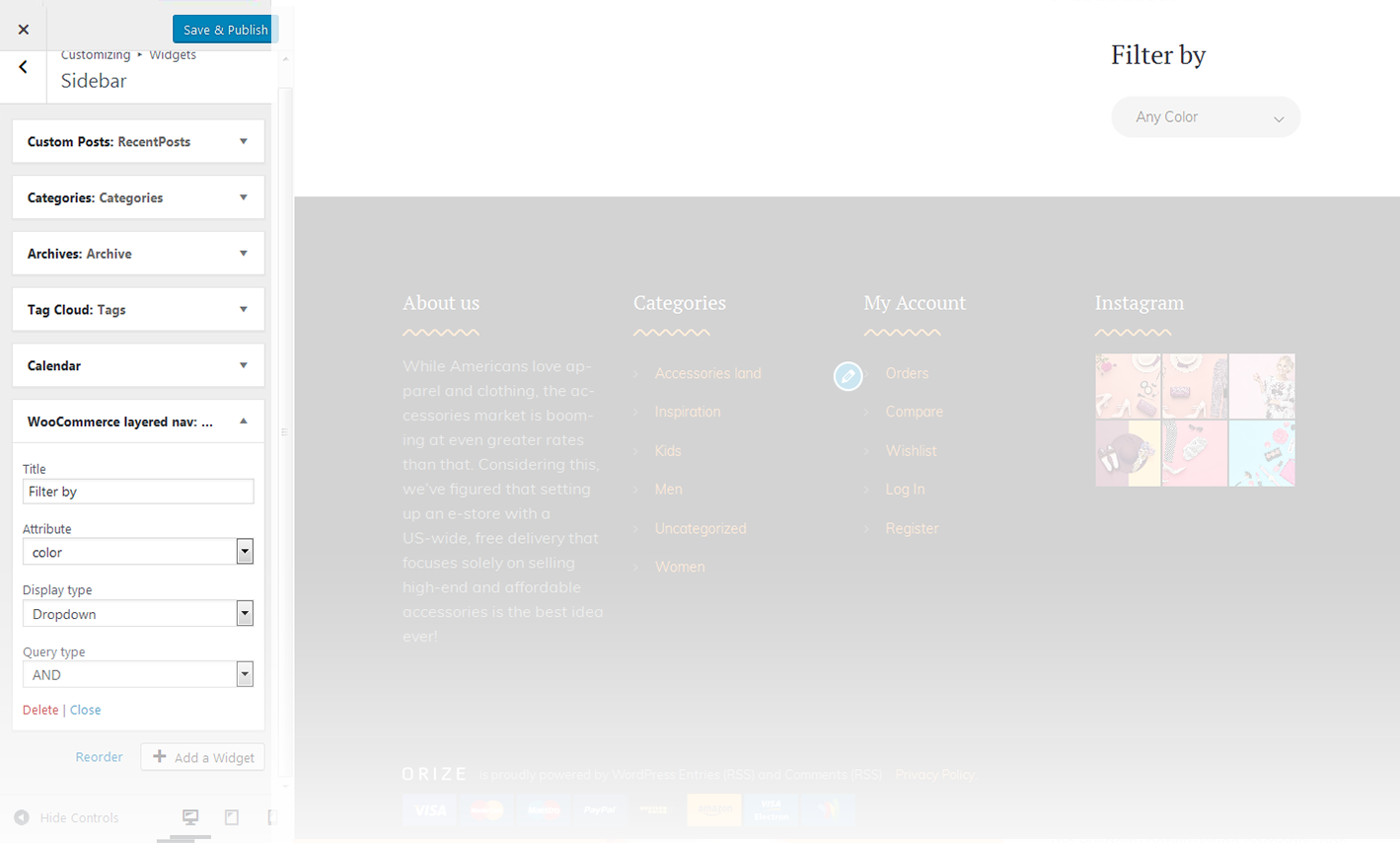
WooCommerce Layered Nav
This widget shows a custom attribute that allows to narrow down the list of products when viewing the product categories.
title
this property specifies the widget title;
attribute
specify the filtering attribute;
display type
specify the display type;
query type
specify the query type.
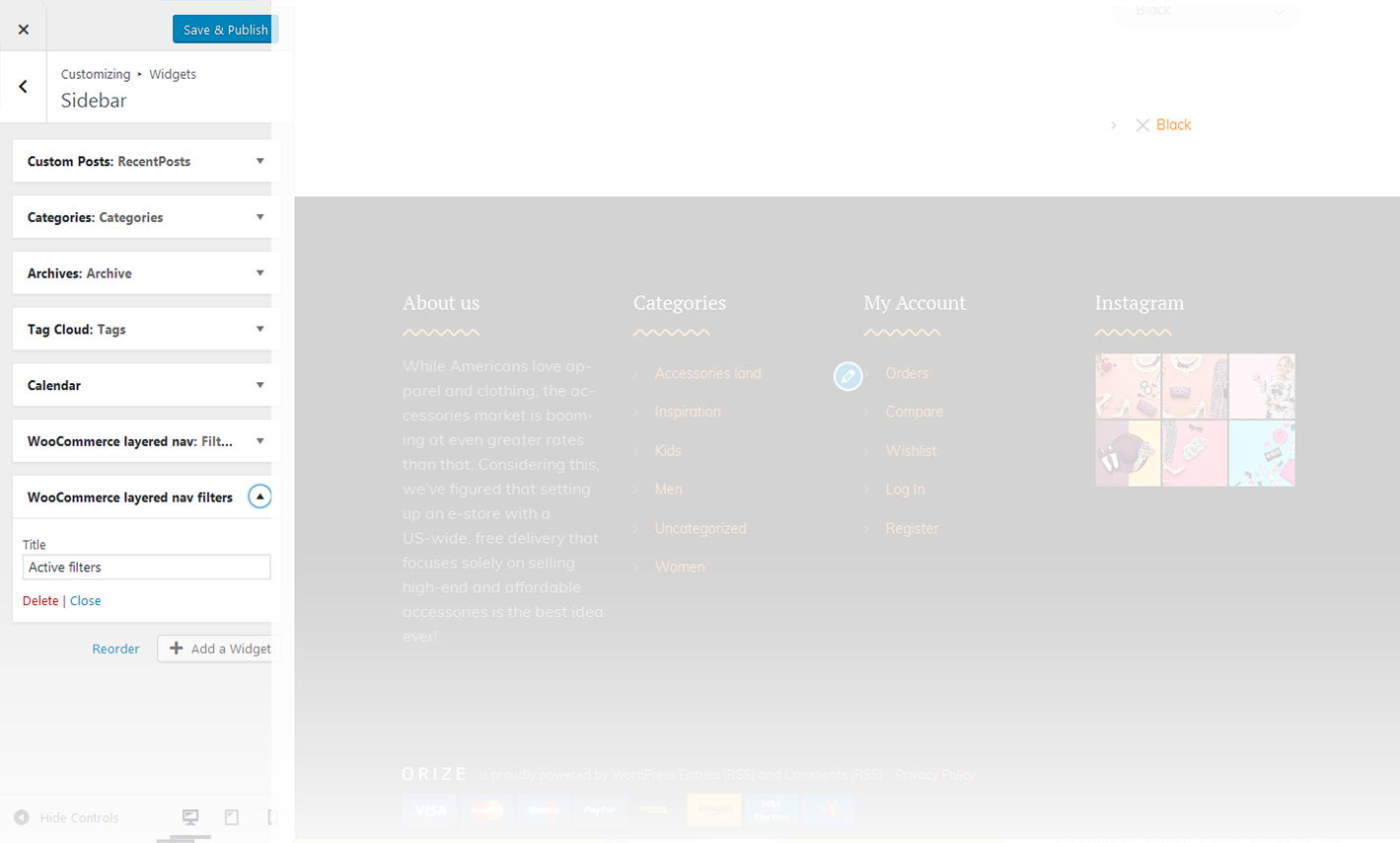
WooCommerce Layered Nav Filters
This widget shows the layered nav filters, which are currently active on the page.
title
this property specifies the widget title.
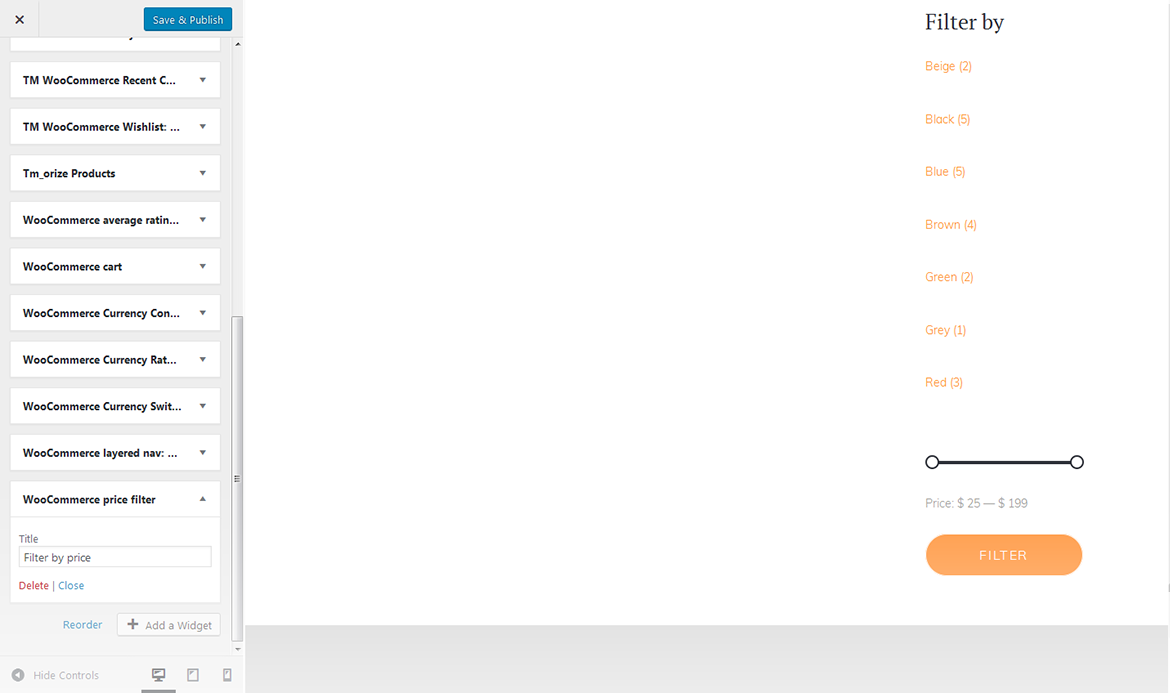
WooCommerce Price Filter
This widget displays the WooCommerce price filter.
title
this property specifies the widget title.
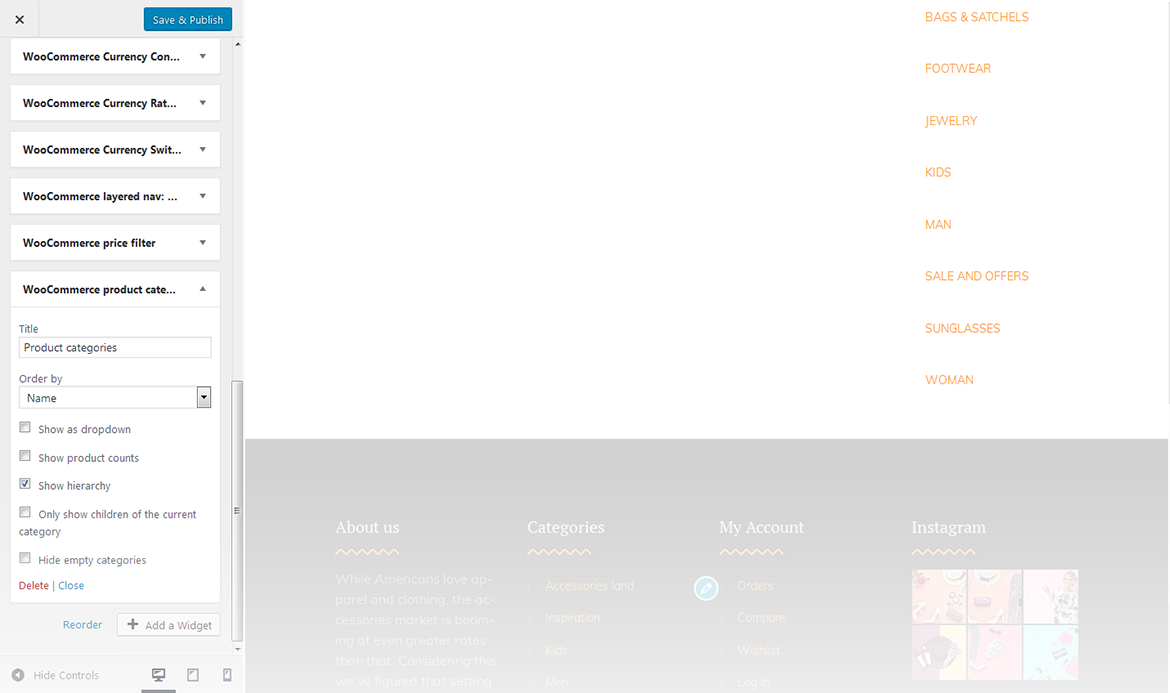
WooCommerce Product Categories
This widget is used to display a list of products on your site.
title
this property specifies the widget title;
order by
specify the way you want to order the products inside the widget;
show as dropdown
this option allows to display the categories as a dropdown list;
show product counts
show/hide products count;
show hierarchy
show hierarchy;
only show children of the current category
display child products of the current category only;
hide empty categories
show/hide empty categories.
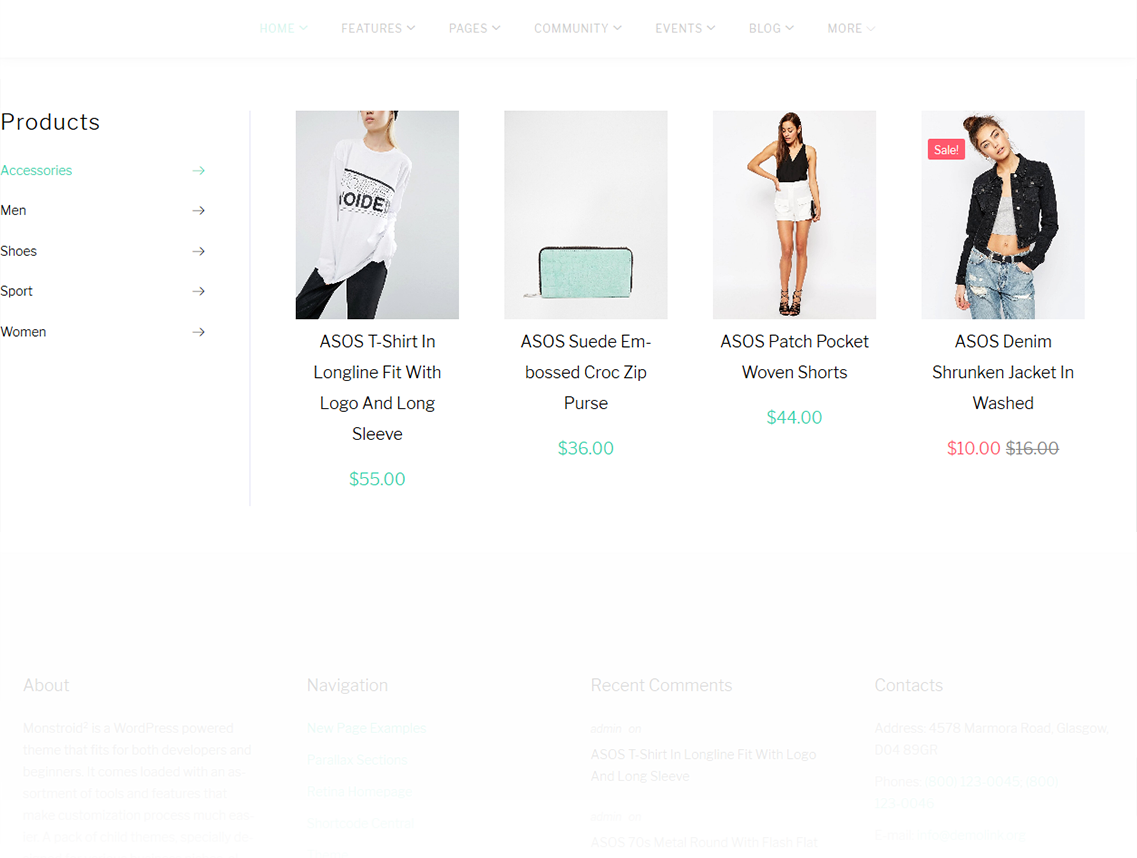
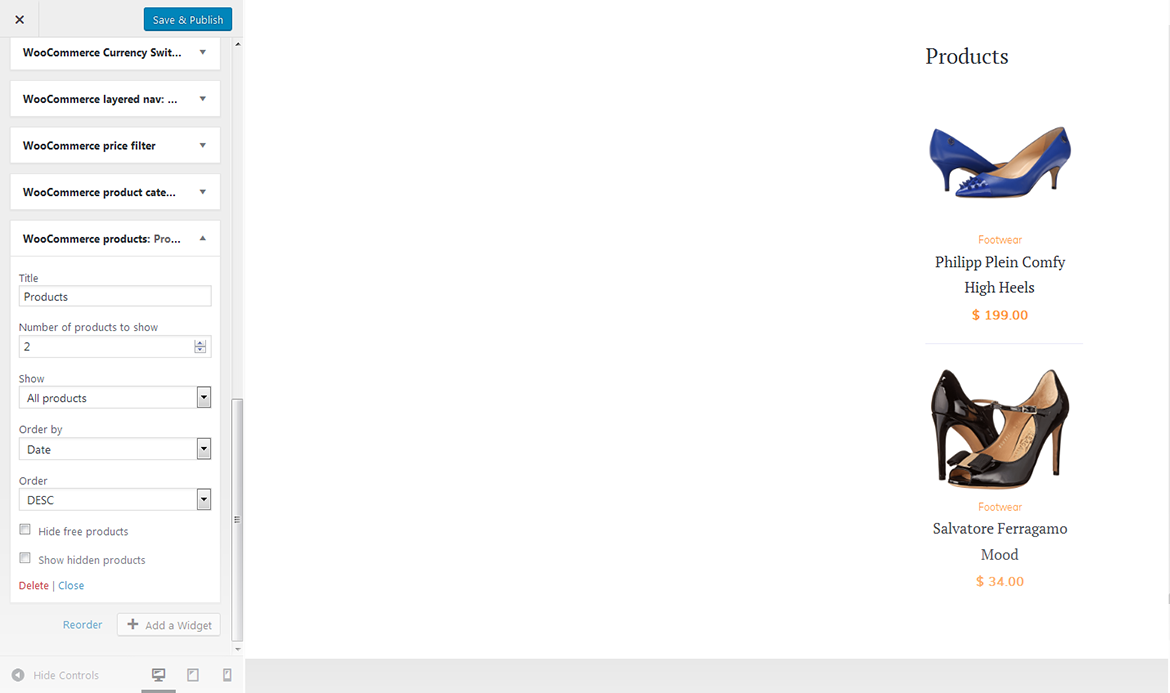
WooCommerce Products
This widget displays the list of new products available on your site.
title
this property specifies the widget title;
number of products to show
this property specifies the number of products displayed in the widget;
show
allows to display the products from a certain group;
order by
order the products by several criteria;
order
this property allows you to switch between descending and ascending order;
hide free products
hide/show free products;
show hidden products
hide/show hidden products.
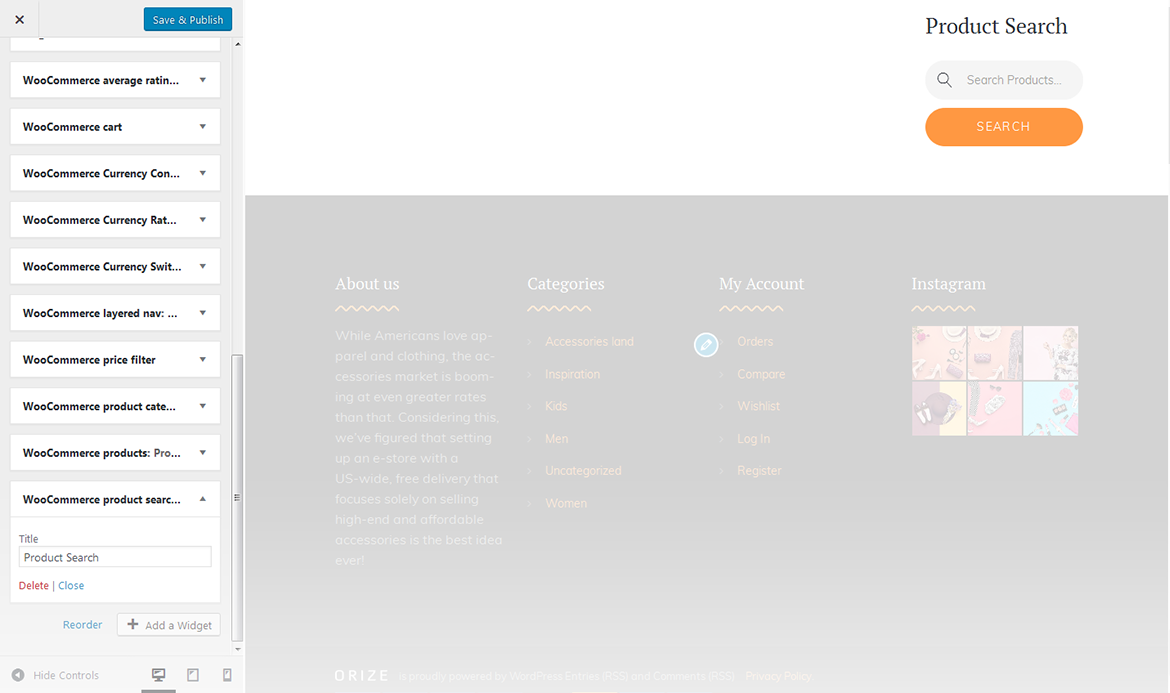
WooCommerce Product Search
This widget displays the WooCommerce search box.
title
this property specifies the widget title.
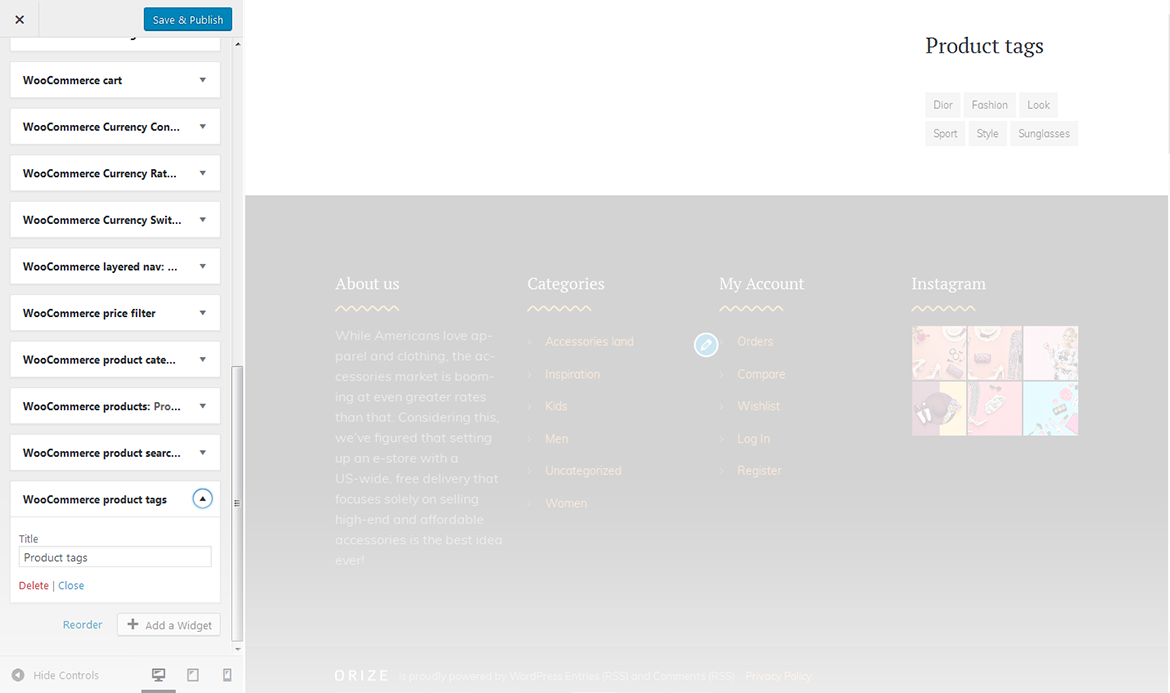
WooCommerce Product Tags
The widget allows you to display WooCommerce tag cloud on the website.
title
this property specifies the widget title.
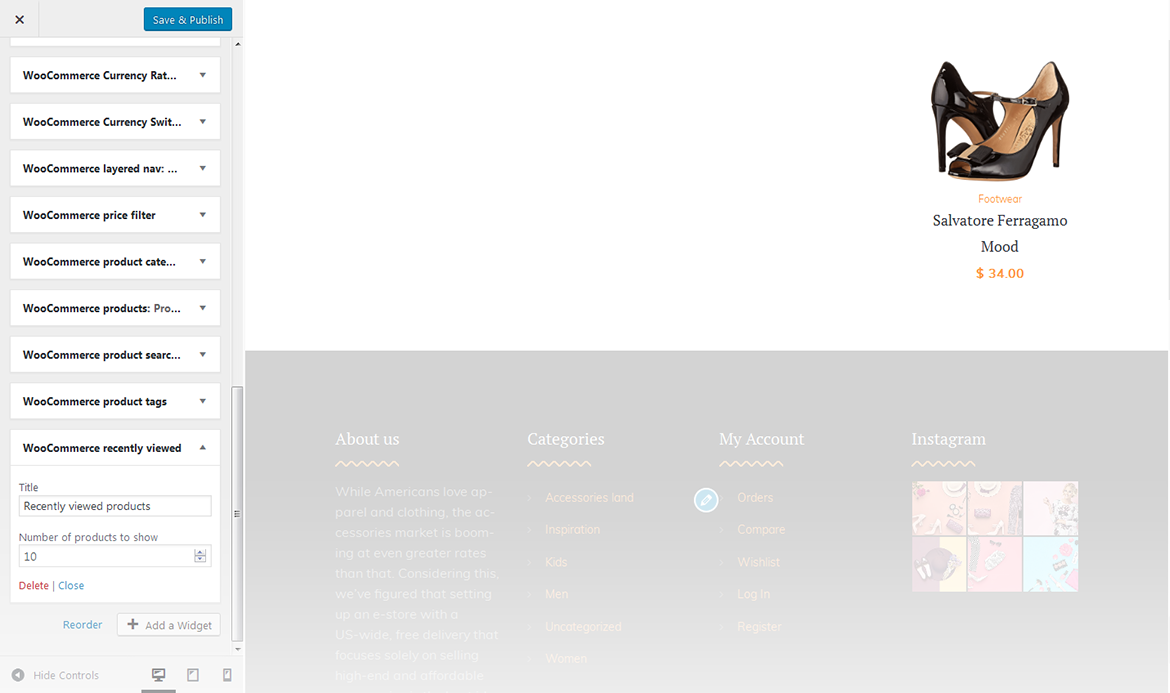
WooCommerce Recently Viewed
This widget displays a list of recently viewed products.
title
this property specifies the widget title;
number of reviews to show
specify the number of displayed products.
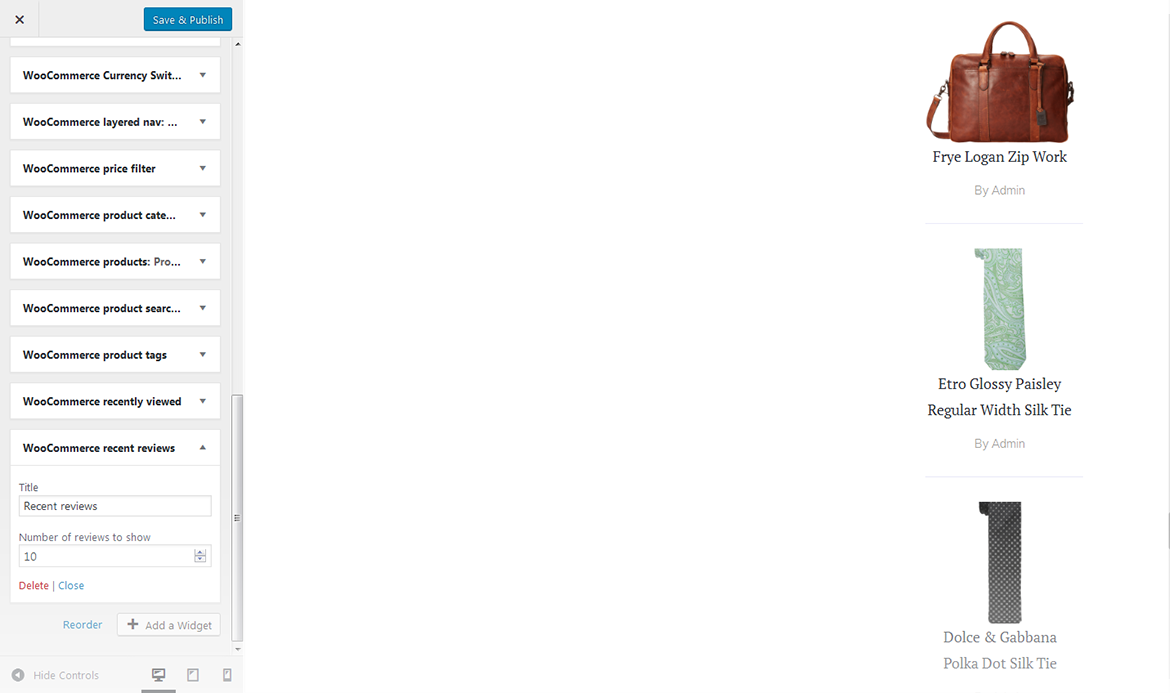
WooCommerce Recent Reviews
The widget displays recent reviews on the website.
title
this property specifies the widget title;
number of reviews to show
specify the number of reviews displayed.
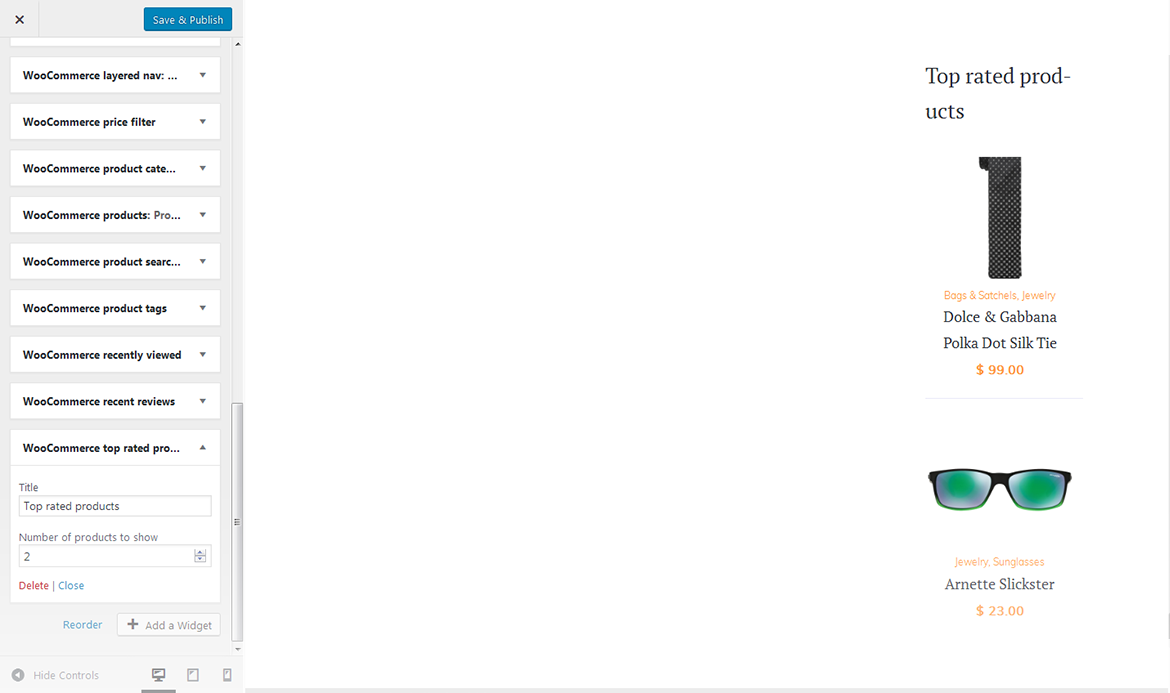
WooCommerce Top Rated Products
This widget displays the list of top rated products.
title
this property specifies the widget title;
number of products to show
Ttis property specifies the number of products displayed in the widget.
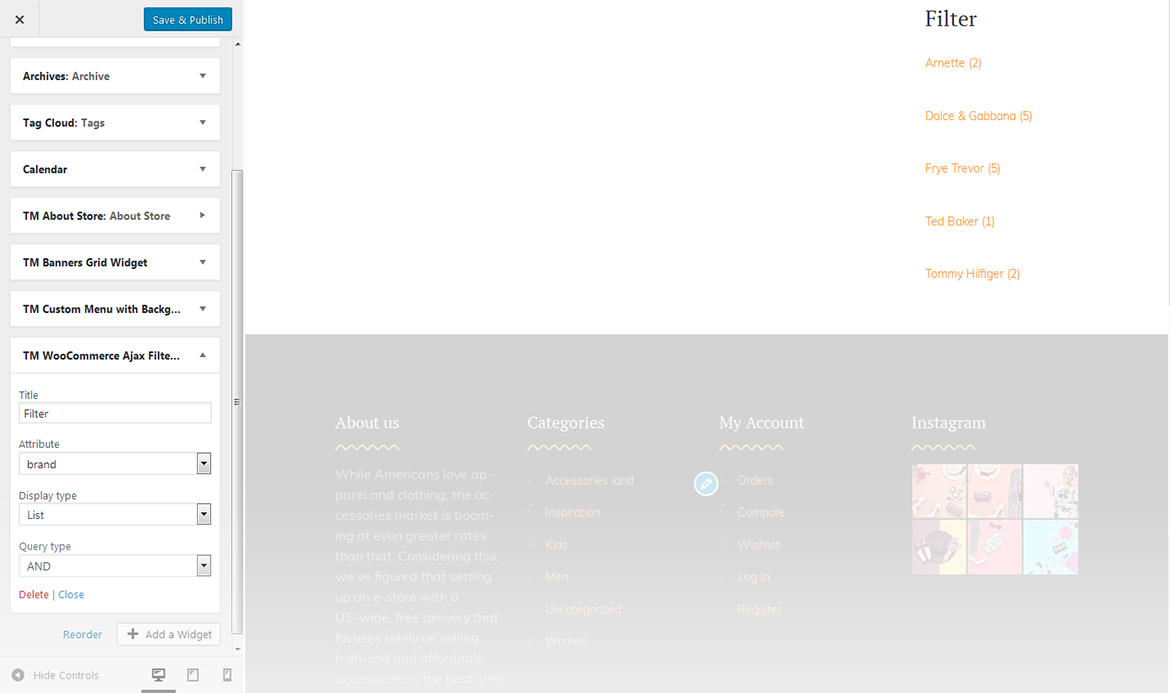
TM WooCommerce Ajax Filter
This widget displays the TM WooCommerce Ajax filter.
title
this property specifies the widget title;
attribute
this property specifies the filter attribute;
display type
this property defines how to show the filter: as a dropdown, or as a list;
query type
this property defines the query type.
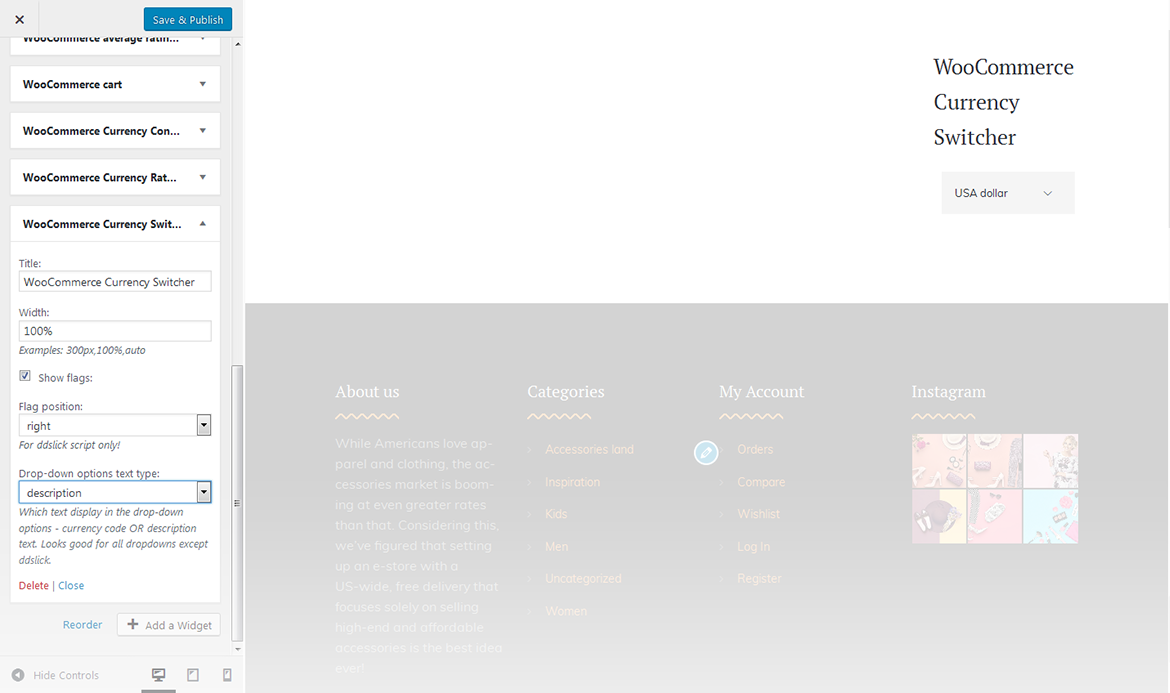
WooCommerce Currency Switcher
This widget adds currency switcher box to the website.
title
this property specifies the widget title;
width
specify the width of the widget;
show flags
show/hide flags;
flag position
specify flag position;
drop-down options text type
specify the type of the text displayed in the widget.
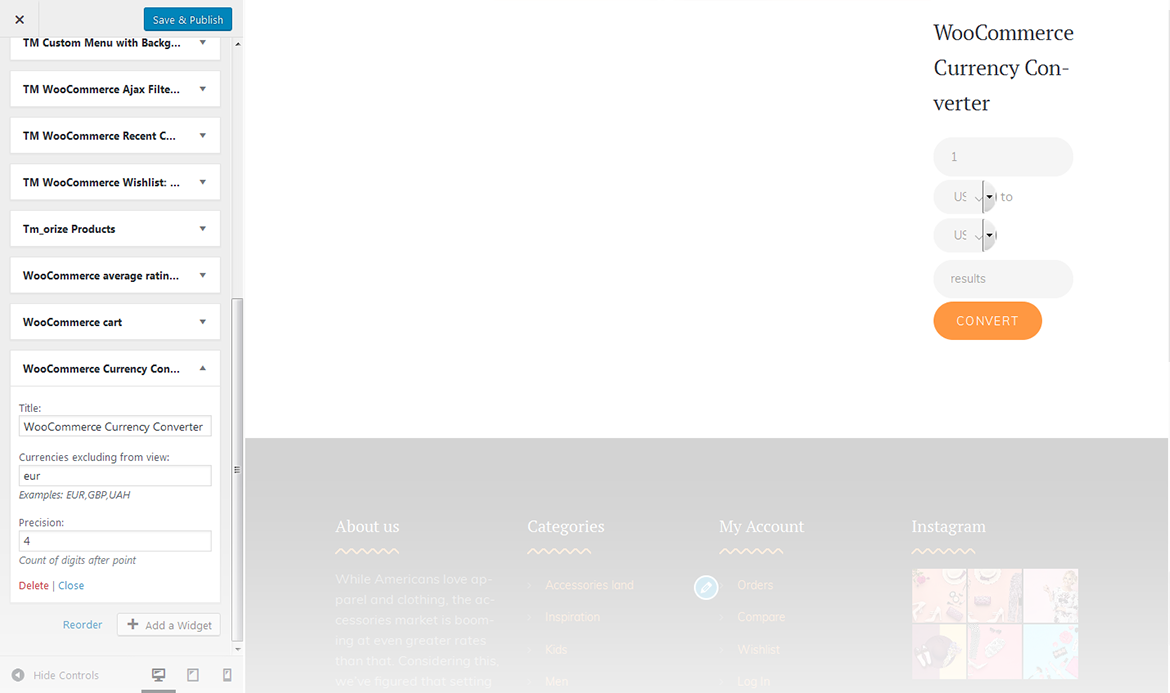
WooCommerce Currency Converter
This widget adds currency converter to the website.
title
this property specifies the widget title;
currencies excluding from view
specify the currencies you want to exclude from view;
precision
number of digits after the point.
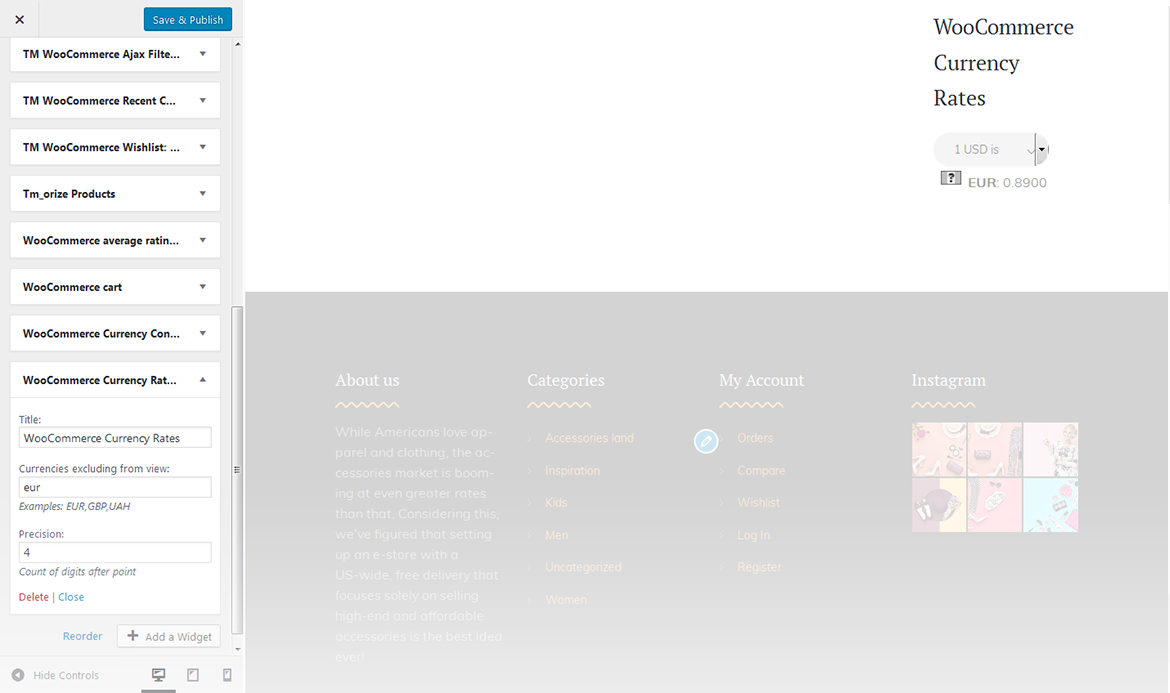
WooCommerce Currency Rates
This widget adds currency rates box to the website.
title
this property specifies the widget title;
currencies excluding from view
list the currencies you want to exclude from view;